Yes, you can listen to conservative podcasts without ever opening Spotify. Nearly every major host publishes episodes on their own show page, through RSS feeds, or on YouTube, and most of that content is free to stream or download directly. For a faster path, GOPcast gathers many of these shows into one hub so you skip the hunting entirely.
TL;DR:
- Most conservative podcasts provide direct access via their official websites, RSS feeds, or YouTube, eliminating the need for Spotify or other aggregators.
- Finding an authentic feed involves checking the show’s official page and verifying links against the host’s social media to avoid impostor channels.
- Subscribing through RSS feeds, downloading episodes directly, or using alternative apps offers faster, more reliable ways to listen offline or on different platforms.
- Supporting hosts directly through memberships, merchandise, or donations benefits creators more than streaming numbers on any single platform.
- Relying on a curated hub like GOPcast helps maintain access to favorite shows across platform changes and keeps direct links to original sources.
Table of Contents
- How Do You Find Conservative Podcasts Outside Spotify?
- What’s the Fastest Way to Subscribe Without Spotify?
- How Do You Verify a Show Is the Real Host?
- Is It Legal and Ethical to Skip Spotify?
- How Do You Support These Hosts Without Spotify?
- Why Platform-Varied Access Matters to Us
- Ready to Start Listening on GOPcast?
- Sources
- FAQ
How Do You Find Conservative Podcasts Outside Spotify?
Start with the source, not the aggregator. Official show websites and network pages almost always host the episode itself, complete with an embedded player and a download button, so you never need an app at all.
The trick is knowing where to look on each page. Most shows put a link labeled “RSS,” “Subscribe,” or a small orange feed icon somewhere near the episode list, and that single link is the key to following the show in any app you choose. If you can’t spot it right away, check the page footer or the “About” section; hosting platforms like Buzzsprout tend to place it in a consistent spot across every show they support.
YouTube is the other reliable channel. Plenty of conservative hosts post full episodes or clip compilations there, sometimes same day, sometimes with a short delay. Searching the show’s name plus the word “podcast” usually surfaces the official channel within the first few results, and subscribing there gets you a notification the moment new video drops.
A few discovery paths cover most listeners’ needs:
- Show websites and network pages, which host embedded players and direct download links for individual episodes.
- RSS feeds, findable on the show page, which let you subscribe through any podcast app that isn’t Spotify.
- YouTube channels, where many hosts republish full audio or video versions of their shows.
- Curated directories, like Feedspot’s conservative podcast list, which link out to dozens of official pages at once.
- Aggregator hubs, such as GOPcast, that pull several right-leaning shows into a single browsing experience.
None of these require you to touch Spotify’s app, and most take under a minute to set up once you know where the link lives.
What’s the Fastest Way to Subscribe Without Spotify?
Getting a show into your regular listening rotation without Spotify comes down to four workflows, and you’ll probably end up using two or three of them depending on the show.
- Grab the RSS feed. Go to the show’s official page, find the link marked “RSS” or “Subscribe,” and copy the URL. Distribution platforms almost always expose this feed publicly, even when it’s not front and center.
- Paste it into an alternative app. Open a non-Spotify podcast app or RSS reader, look for an “Add by URL” or “Add feed” option, and drop the link in. The show now updates automatically every time a new episode drops.
- Download directly when you want offline access. Many show pages, including those hosted on Podbean, offer a plain MP3 download link next to each episode. Save it to your phone before a flight or a long drive with no connection.
- Use YouTube or a smart TV for video episodes. If a host publishes video versions, cast the browser tab or the YouTube app straight to your TV, which works especially well for interview-heavy shows where seeing the guest adds something audio alone doesn’t.
Pro Tip: Keep a short list of your five or six favorite shows’ RSS links in a note app. When you switch podcast apps or get a new phone, you re-add everything in under two minutes instead of hunting for each feed again.
If you’d rather not manage feeds one by one, look for a non-Spotify app that supports bulk RSS import, or lean on a hub like GOPcast that already has the major conservative shows loaded and ready to play.
How Do You Verify a Show Is the Real Host?
Impostor feeds and knockoff channels exist in every political niche, conservative media included. The fix is simple: always trace back to the host’s own site before trusting a feed you found somewhere else.
Cross-check the show’s official page against the host’s verified social accounts. If the links match and the branding is consistent, you’re almost certainly on the real feed. When something feels off, like a feed with no episode notes or a channel that reuploads content without credit, treat it as suspect until proven otherwise.
Episode notes and timestamps matter more than most listeners realize. A growing share of independent creators now link primary sources directly in their show notes, which gives you a way to check a claim without waiting on a fact-check article days later.
A few habits keep your feed list clean and your information solid:
- Confirm the show’s URL matches what the host links from their own social bio.
- Read the episode description before trusting a headline-style claim made mid-episode.
- Subscribe to the host’s email newsletter for direct announcements that bypass any platform’s algorithm entirely.
- Treat a claim as unverified until you find the primary source the host cites.
One consistent signal across reliable independent podcasts: shows that link their own sources in the notes tend to be the same ones publishing directly on their own hosting platform rather than relying solely on aggregator visibility, according to distribution data from Content Allies.
Is It Legal and Ethical to Skip Spotify?
Listening to a podcast through its own website, an RSS feed, or YouTube isn’t a workaround or a loophole. It’s the original, intended way podcasts have worked since the format existed. Spotify is a distribution channel a creator chooses to use, not a gatekeeper with exclusive rights to the content, unless a show has an actual Spotify-exclusive deal.
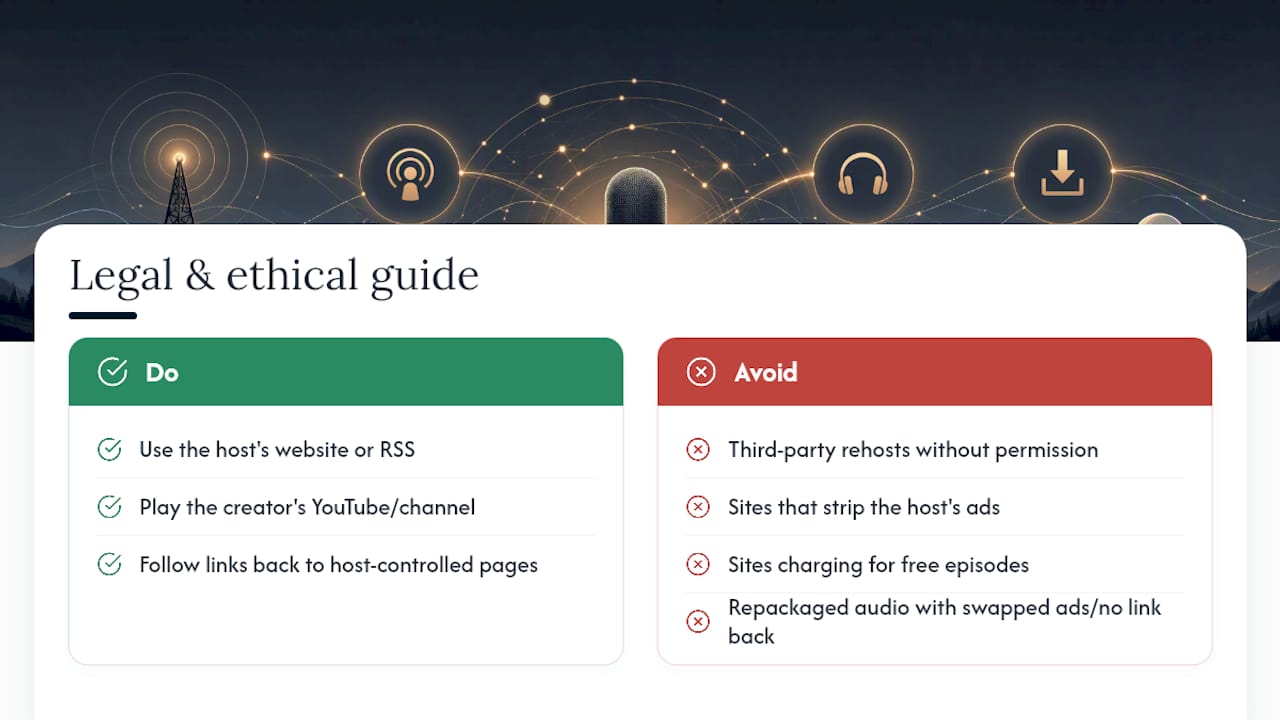
The one thing to watch for is piracy dressed up as convenience. Third-party sites that rehost full episodes without permission, strip out a host’s ads, or charge for content the creator offers free elsewhere aren’t a gray area. That’s a real ethical line, and it usually hurts the same independent voices you’re trying to support.
The safest rule: if the episode leads back to a page the host controls, an RSS feed the host publishes, or a channel the host runs, you’re on solid ground. If a site is repackaging someone else’s audio with ads swapped in and no link back to the original creator, skip it. Direct-to-consumer distribution has grown precisely because creators want that control over where their work lives and how it’s monetized, and respecting that boundary is part of being a good-faith listener.
How Do You Support These Hosts Without Spotify?
Streaming numbers on any one platform are only part of how independent hosts make a living, so if you want to back a show, there are more direct ways to do it than adding a play count.
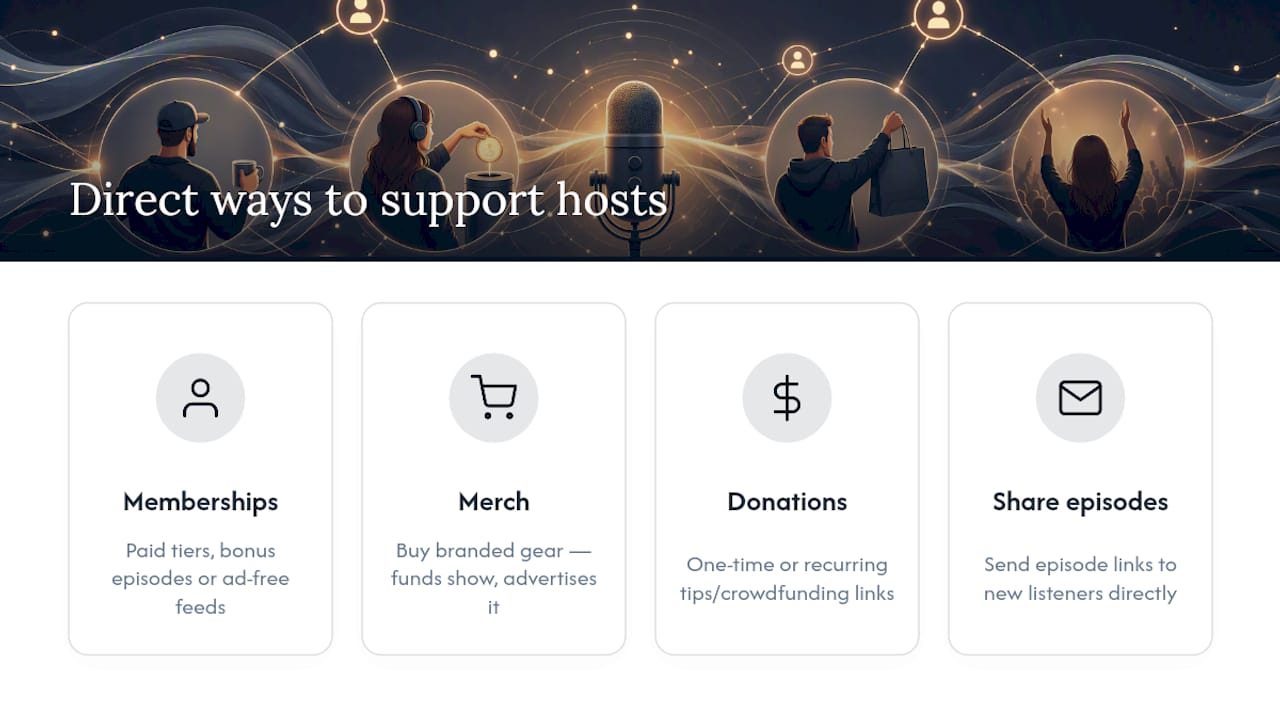
Most conservative podcasters run some kind of direct membership or subscriber tier through their own site, often with bonus episodes or ad-free feeds attached. That revenue goes straight to the creator instead of getting split across a platform’s algorithmic payout system.
Merchandise is another straightforward channel. A lot of hosts sell branded gear, and buying it does double duty: it funds the show and puts a small ad for it in front of people you know.
One-time or recurring donations through a host’s own site, sometimes via a tip jar link or a crowdfunding page mentioned in the show notes, tend to matter more than most listeners assume for smaller, independent shows without a network backing them. Sharing an episode directly, rather than just liking a social post about it, also does real work. It sends new listeners straight to the source instead of into a platform’s recommendation queue, which keeps discovery in the hands of actual listeners rather than an algorithm.
Why Platform-Varied Access Matters to Us
We built GOPcast because relying on a single app to find conservative voices always felt like a bad bet. Platforms change their rules, their recommendation algorithms, and sometimes their tolerance for certain political content, often with no warning to the creators who built an audience there.
Centralizing shows in one place, while still linking straight back to each host’s original page and archive, protects something Spotify’s model doesn’t prioritize: your ability to find a show again next year, not just this week. When a hub keeps direct links intact instead of trapping you inside its own player, you keep the option to go straight to the source anytime.
That’s the real case for platform-varied listening. It’s not about avoiding one company out of spite. It’s about making sure the shows you trust stay findable no matter what any single platform decides to do next.
— GOPcast
Ready to Start Listening on GOPcast?
GOPcast offers a centralized alternative to piecing together RSS feeds and bookmark folders every time you want to catch a new episode. Instead of tracking down each host’s own page, you get a single hub with curated shows already organized by category, from news and commentary to interviews and comedy.
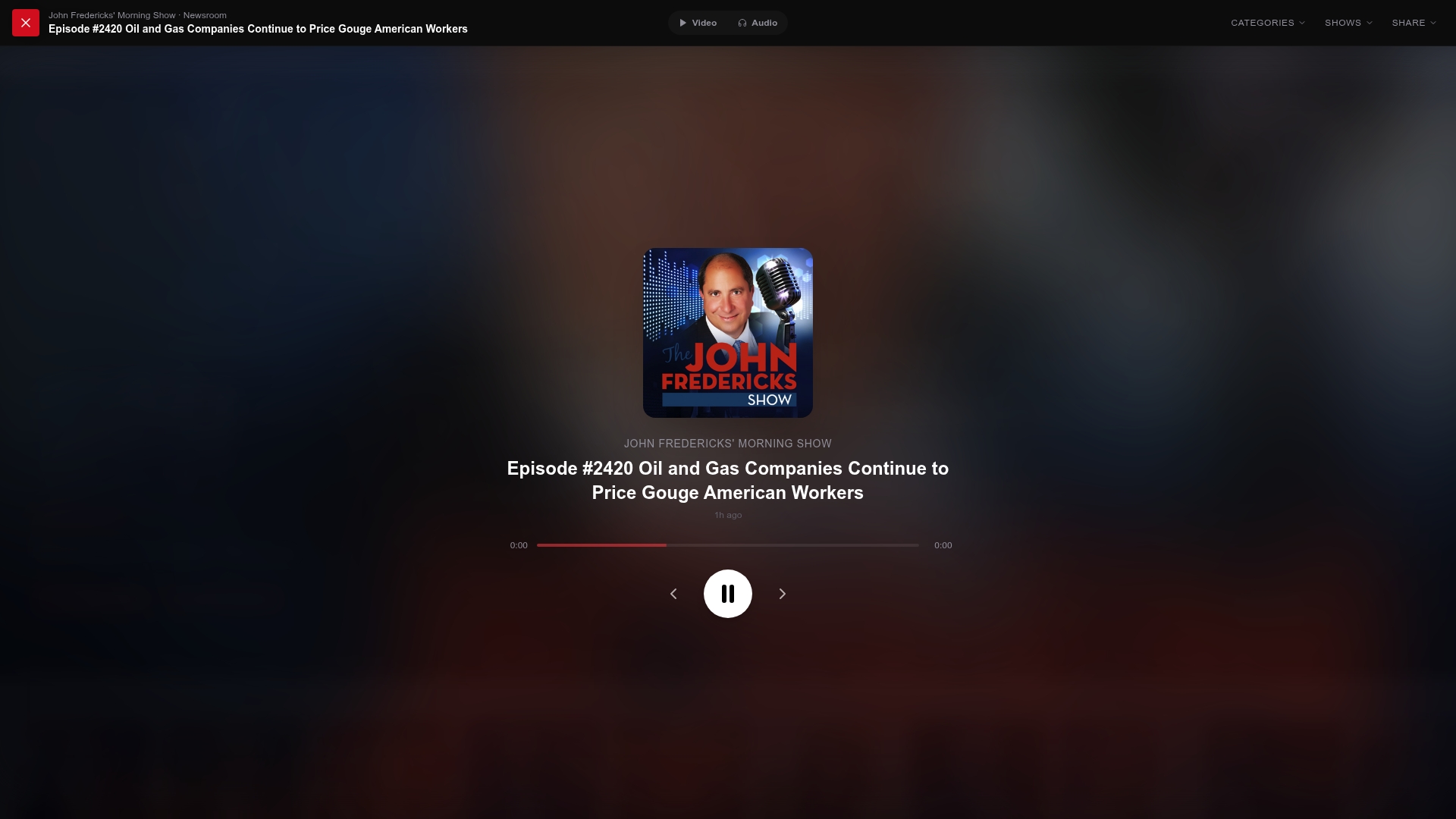
Getting started is quick. Head to a conservative podcast hub, browse by category or search a host’s name, and open the show page to stream instantly or grab the episode for offline listening. Want a place to start? Queue up The Dan Bongino Show for hard-hitting commentary, or try Ringside Politics if you want a sharper debate format. Both play right in your browser with no separate app and no Spotify account required.
Sources
- Top podcast distribution platforms
- The Wake Up America show with Austin Petersen | Podbean
- The Tenth Man Podcast with Kevin Travis
- 100 Best Conservative Podcasts to Listen to in 2026
FAQ
What Are the Top Conservative Podcasts Right Now?
Shows like The Dan Bongino Show, Bannon’s War Room, Ringside Politics, and Verdict with Ted Cruz are among the most listened-to right-leaning programs, and all four are accessible through their own show pages or through hubs like GOPcast.
What’s the Best Unbiased Political Podcast?
No podcast is fully neutral since every host brings a point of view, but shows built around long-form interviews and direct source citations, rather than pure commentary, tend to read as more balanced to listeners across the spectrum.
What Are Some Republican-Leaning Podcasts?
Beyond the biggest names, shows like Perino on Politics, Verdict with Ted Cruz, and The Sentinel Report lean conservative and publish directly on their own sites in addition to any aggregator listing.
What Are the Top Political Podcasts in the US?
The most-followed US political shows mix national news commentary with interviews, and a good number of the highest-ranked conservative ones are available through official show pages, YouTube, and curated hubs like GOPcast without needing a Spotify account.
Do I Need an App to Listen Without Spotify?
No. Most show pages include a web player you can stream from directly in a browser, though an RSS-capable app makes it easier to track new episodes across several shows at once.