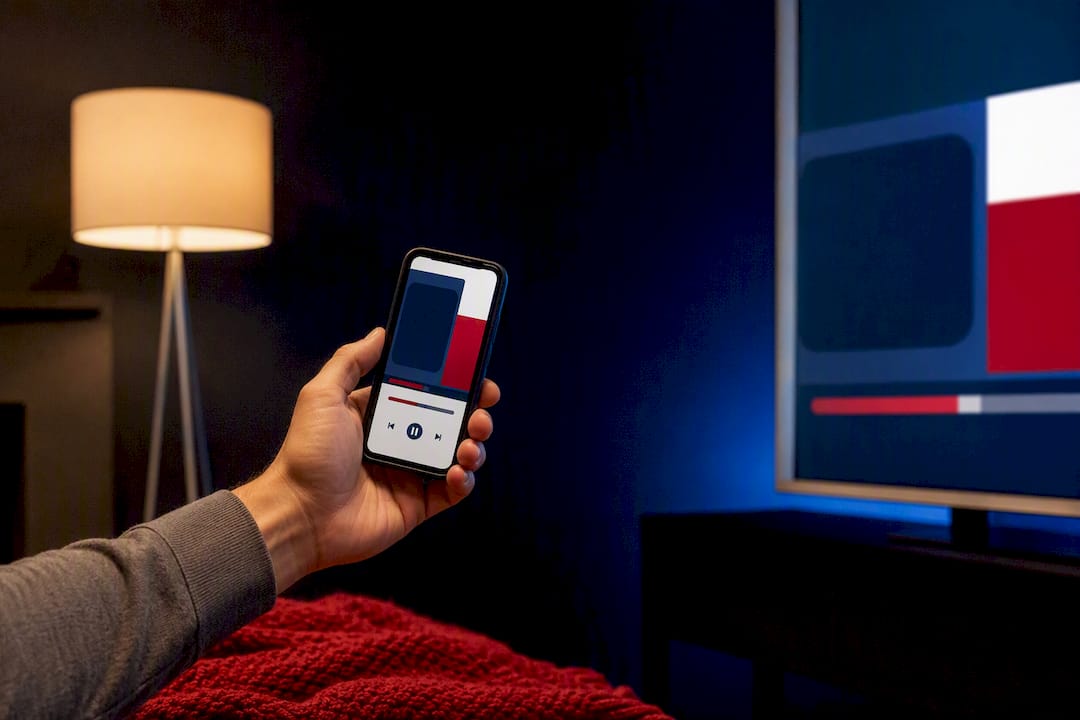
The quickest path to conservative podcasts on a smart TV is Spotify, Amazon Music, or YouTube’s native TV app for shows they carry, casting from your phone when a show isn’t listed, or opening GOPcast directly in your TV’s web browser for a single curated lineup. Mainstream apps tend to be the most stable option. GOPcast trades app-store hunting for one browser tab loaded with vetted conservative programming, and it doesn’t require an account to start listening.
TL;DR:
- Mainstream apps like Spotify, Amazon Music, and YouTube provide the most reliable and stable method to access conservative podcasts on smart TVs.
- Casting from a phone using Chromecast or AirPlay offers the most flexible option for private feeds and shows not available through native apps.
- Browsing GOPcast directly in a TV’s web browser allows instant access without any app installation or account requirements.
- Native apps may have incomplete coverage of smaller or newer conservative shows, and app crashes or outdated libraries are common with smaller podcast-specific platforms.
- Managing privacy settings is crucial, as most smart TVs track viewing data; disabling interest-based ads and restricting app permissions helps protect user privacy.
Table of Contents
- How to Watch Conservative Podcasts on Smart TV: Comparing Your Options
- Which streaming apps on smart TVs actually carry conservative podcasts?
- How Do I Cast a Podcast from My Phone to My TV?
- Can You Just Open GOPcast in Your TV’s Browser?
- Why Won’t My TV Play the Podcast? Quick Fixes That Work
- What Privacy Settings Should You Check Before Streaming?
- How GOPcast Simplifies Conservative Podcast Listening on TV
- Why We Prioritize TV Accessibility for Conservative Listeners
- Start Listening on GOPcast Tonight
- Sources
How to Watch Conservative Podcasts on Smart TV: Comparing Your Options
Four real methods exist for getting conservative talk shows onto your living room screen, and each one fits a different kind of viewer.
- Native streaming apps (Spotify, Amazon Music) already installed on most smart TVs carry large podcast libraries, but coverage of smaller conservative shows can be spotty.
- YouTube works well for hosts who publish video versions of their episodes, though pure audio shows often get buried in the algorithm.
- Casting from a phone (Chromecast or AirPlay) plays literally anything your phone can play, at the cost of one extra step before you sit down.
- A TV web browser pointed at a curated portal like GOPcast skips app installs entirely and puts conservative shows in one list.
Android TV and Google TV devices handle all four options well. Fire TV supports the first three but has a weaker native browser. Apple TV leans hardest on AirPlay casting since its browser support is limited. Samsung and LG TVs run Tizen and webOS respectively, both of which include reasonably capable browsers for the GOPcast route.
Which streaming apps on smart TVs actually carry conservative podcasts?
Spotify’s Android TV app supports full podcast playback and resumes episodes across devices, so you can start an episode on your phone during a commute and pick it up on the TV that night without losing your place. Amazon Music works similarly on Fire TV, and both apps show up in each platform’s app store under Search, not buried in a separate podcast category.
YouTube is worth checking separately, since many conservative hosts post full video versions of their episodes alongside the audio-only feed. That’s especially true for interview-heavy shows where the visual matters.
A few things to expect once you’re in:
- Search by host name first, then show name. Some catalogs index them differently.
- Subscribing inside the app usually syncs across your phone and TV automatically.
- Not every show appears in every app. Independent or newer conservative programs sometimes lag behind on catalog listings.
Mainstream apps are generally the more dependable choice here. Small, single-purpose podcast apps built specifically for TV often lack the maintenance and content depth of established platforms, meaning you’ll hit more crashes, outdated libraries, and abandoned updates.
How Do I Cast a Podcast from My Phone to My TV?
Casting is the fallback that never fails you, because it doesn’t depend on a show being available in any specific TV app. It just mirrors whatever your phone is already playing.
For Android (Google Cast/Chromecast):
- Open your podcast app and start playing the episode.
- Tap the cast icon, usually in the top corner of the player screen.
- Select your TV or Chromecast device from the list.
- Control playback, skip, and volume from your phone.
For iOS (AirPlay):
- Start the episode in your podcast app.
- Swipe down to open Control Center.
- Tap the AirPlay icon and choose your Apple TV or AirPlay-compatible TV.
- Playback controls stay on your phone screen the entire time.
Keep your phone on Wi-Fi, not cellular data, to avoid the audio lagging behind or dropping mid-episode. This method also keeps your queue, playlists, and any premium features intact since you’re just using the TV as a speaker, not a separate app.
Pro Tip: Casting is the best option for private podcast feeds or premium subscriber episodes that a TV app can’t access on its own, since the content lives entirely on your phone.
Can You Just Open GOPcast in Your TV’s Browser?
Yes, and it’s often the simplest route once you know it works. Open the browser app on your smart TV, whether that’s Samsung Internet, LG’s built-in browser, or the basic browser available on Google TV, and navigate to GOPcast directly instead of downloading and testing three different apps to find one show.
The upside is obvious: one destination, no app-store searching, no sign-up wall to clear before you hear a single episode. The tradeoffs are worth knowing too.
- Remote navigation through a website is clunkier than a purpose-built app interface.
- Playback controls live on-screen rather than on a dedicated remote button.
- Older TV browsers occasionally struggle with newer web players, so an update may be needed first.
For most viewers, that tradeoff is worth it in exchange for skipping the app-store scavenger hunt entirely.
Why Won’t My TV Play the Podcast? Quick Fixes That Work
Most playback problems on smart TVs trace back to one of a handful of causes, and none of them require a technician.
- Restart the app first, then the TV itself if the problem persists. This clears the majority of freezes and crashes.
- Check your Wi-Fi signal strength. Podcasts buffer worse than video because TVs often deprioritize audio-only streams on weak connections.
- Clear the app’s cache through your TV’s settings menu if episodes won’t load or search comes up empty.
- Update your TV’s firmware. Older software versions are a common cause of app crashes on Samsung and LG models specifically.
- Re-link your account if sign-in fails, especially for apps using two-factor authentication or a phone-based login code.
If a native app keeps failing after these steps, stop troubleshooting and just cast from your phone instead. It’s more reliable in the moment than chasing down a stubborn app bug.
What Privacy Settings Should You Check Before Streaming?
Smart TVs collect more viewing data than most people realize, and reporting has raised real concerns about manufacturers tracking what you watch to build advertising profiles. That data collection typically runs through automatic content recognition, which is usually on by default.
Before you settle in for a listening session, run through this checklist:
- Open your TV’s privacy or advertising menu and disable interest-based ads and viewing-data collection.
- Check app permissions periodically. Podcast apps rarely need camera or contact access.
- Keep firmware updated, since privacy patches often ship alongside bug fixes.
- Favor established apps and browser-based portals over unverified third-party podcast apps with small install bases and thin privacy disclosures, a pattern visible in some dedicated conservative podcast apps with limited reviews.
Sticking to mainstream apps or a browser-based portal like GOPcast means fewer apps installed overall, which means fewer permission requests to manage in the first place.
How GOPcast Simplifies Conservative Podcast Listening on TV
GOPcast exists because finding reliable conservative voices across a scattered media landscape shouldn’t require ten different app downloads. The platform hosts prominent programs, including Bannon’s War Room and The Dan Bongino Show, in one curated lineup built for exactly this kind of discovery.
That matters more than it sounds, because Edison Research’s data on conservative podcast audiences shows the genre is dominated by strong, singular hosts rather than networks. A portal built around following specific hosts fits how this audience actually listens.
To get started on a TV browser:
- Open your TV’s browser and go to GOPcast directly.
- Browse by category (news, commentary, interviews) or search a host by name.
- Bookmark the page for one-tap return visits instead of relaunching an app each time.
Pro Tip: If your TV browser struggles with the page layout, try landscape orientation and a browser refresh; older Tizen and webOS browsers sometimes need a second load to render video players correctly.
Why We Prioritize TV Accessibility for Conservative Listeners
Conservative listeners deserve a straightforward way to hear the shows they trust without wrestling with app stores or unstable third-party software. That’s the thinking behind how we’ve built GOPcast’s TV and browser experience. If there’s a show or feature you want us to support, tell us. We’re building this around what listeners actually use.
— GOPcast
Start Listening on GOPcast Tonight
GOPcast gives you one browser tab instead of five app downloads, which is the real advantage over hunting through separate streaming apps for shows that may or may not be listed. You skip the sign-up walls, the app-store searching, and the guessing about which platform actually carries the host you want.
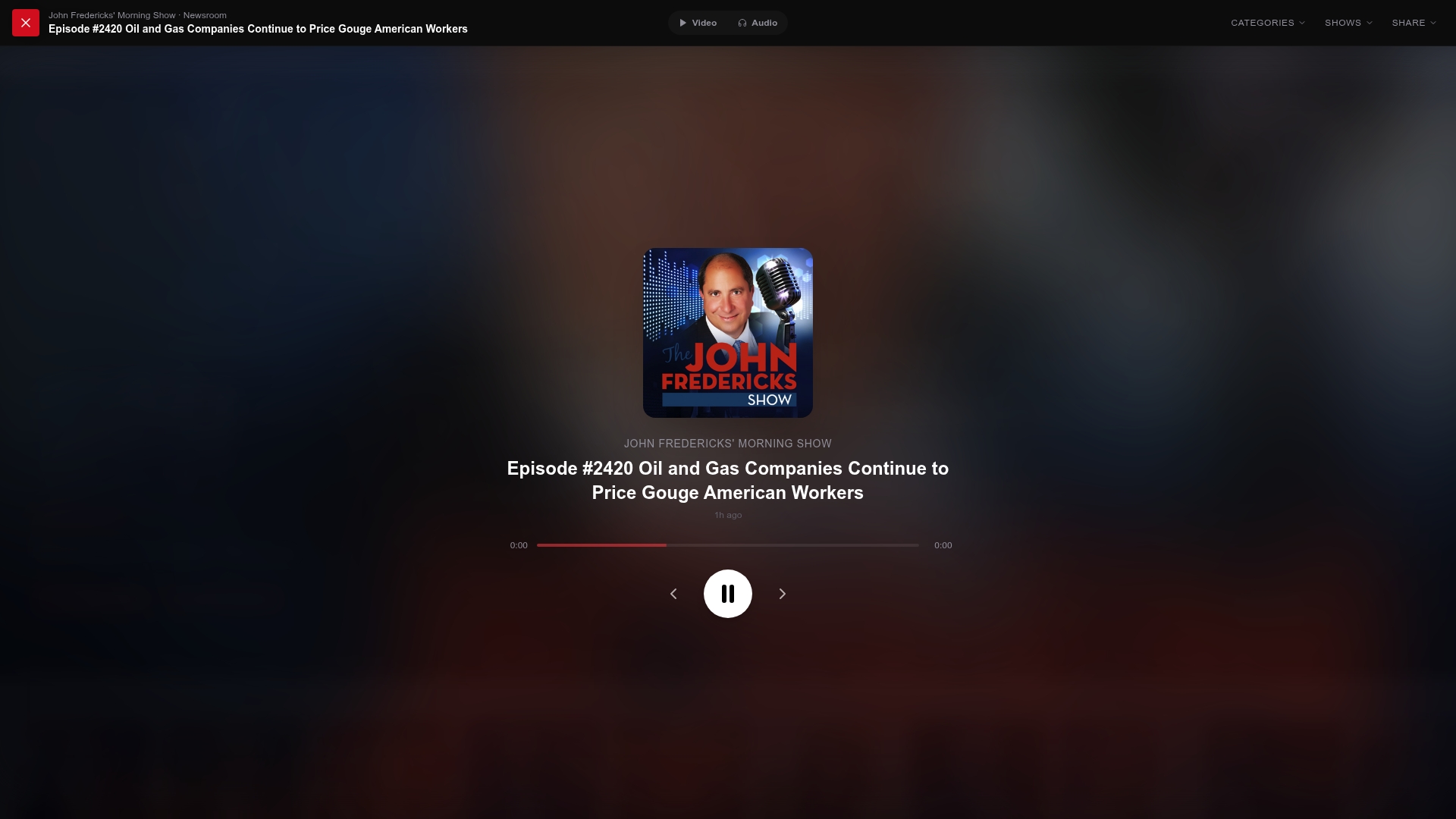
Getting started takes three steps: open your TV’s web browser, navigate to GOPcast, and pick a show from the curated lineup. If you want a place to start tonight, Ringside Politics and The Dan Bongino Show are both live and ready to stream, along with Louder with Crowder if you’re in the mood for something sharper-edged. No install, no waiting on an app update, just a browser tab and a show.