
Copy the show’s RSS feed from its episode page or GOPcast show page, then paste it into your podcast app’s “Add URL” or “Add by RSS” feature to subscribe instantly. Most public conservative podcasts publish an open feed you can grab in seconds. Private or platform-limited shows need a different approach, which the sections below cover. GOPcast organizes feed-ready show pages so you don’t have to hunt through a host’s website.
TL;DR:
Most public conservative podcasts easily provide open RSS feeds via their website or episode pages, often indicated by a feed icon or hidden in page source code.
Adding a private or paid RSS feed requires including an authentication token in the URL, which must be kept secret to prevent unauthorized access.
Podcast apps like AntennaPod, Podcast Addict, Apple Podcasts, Overcast, and Pocket Casts support manual RSS URL entry, but Spotify generally does not accept private or unlisted feed links.
GOPcast curates conservative show feeds into accessible pages, enabling quick copying and pasting into podcast apps without hunting through multiple websites.
For shows on video platforms or limited platforms, alternative methods like pulling the channel feed or using GOPcast workarounds ensure access to audio content.
Table of Contents
Where to find a conservative podcast’s RSS feed
Most shows make their feed easy to find if you know where to look. Start with the show’s official website or its episode page: many hosts place a small “RSS” or “Feed” icon near the subscribe buttons, and clicking it either copies the link or opens the raw XML you can copy from the browser bar.
When that link isn’t visible, open the page’s source code (right-click, “View Page Source” in most browsers) and search for <link> tags containing “rss” or “feed” in the address. These tags exist even on pages that hide the feed from casual visitors, since podcast apps still need a way to read them.
A few other shortcuts work well:
-
Check a directory listing, such as an Apple Podcasts page, and view its source code for the embedded feed URL.
-
Try a dedicated feed-lookup tool that pulls the RSS address directly from a show’s name or website.
-
Search the Podcast Index database, which catalogs public feeds across thousands of shows.
-
If none of this works, the show may be unlisted publicly. Contact the host directly or check whether a paid tier includes a private feed link.
News-affiliated shows sometimes publish their feed openly on their own domain, similar to how the Texas Tribune exposes a direct feed URL for its TribCast show rather than routing everyone through a directory.
Pro Tip: Bookmark the raw feed URL, not the podcast app’s internal link, so you can re-add the show quickly if you switch apps later.
How to add an RSS feed to your favorite podcast app
Once you have the feed URL, adding it takes under a minute in nearly every major app. The steps below cover the apps conservative listeners use most.
-
AntennaPod (Android): Open the menu, tap “+ Add podcast,” then paste the RSS URL directly. For video-first shows without a public audio feed, AntennaPod can subscribe to a YouTube channel’s feed using the format
feeds/videos.xml?channel_id=, according to AntennaPod’s documentation. -
Podcast Addict (Android): Tap the “+” icon, select “Add RSS feed,” and paste the URL. The app subscribes directly to the feed rather than searching a directory, which is useful for shows that don’t appear in Podcast Addict’s built-in search, per Podcast Addict’s FAQ.
-
Apple Podcasts (iOS): Open the app, go to Library, tap the menu icon, choose “Follow a Show by URL,” and paste the feed address.
-
Overcast (iOS): Tap the “+” button, select “Add URL,” and paste the feed link. Overcast accepts both public and properly authenticated private feed URLs.
-
Pocket Casts: Use the search bar’s URL option to paste a feed directly, bypassing the app’s built-in directory search.
Spotify is the exception. It generally does not allow listeners to manually paste an RSS URL for private or unlisted shows, according to Transistor’s guide on adding podcasts. If a show is Spotify-only, your best option is to find its public feed on the host’s own website or use one of the apps above instead.
Audio still wins the format war. Surveys cited by Podnews show a strong listener preference for audio over video, which is one reason most instructions here focus on pulling an audio RSS feed rather than a video one.
Private, paid, and platform-limited feeds explained
Private or premium feeds work the same way as public ones, with one difference: the feed URL includes an authentication token unique to your subscription. Paste that full URL, token included, into any app that accepts private RSS feeds. Spotify does not accept manually pasted RSS URLs for private shows, so a premium feed tied to a token generally won’t work there, per Transistor’s documentation.

Video-first shows present a different problem. If a host publishes primarily to YouTube without a standalone audio feed, apps like AntennaPod can still subscribe by pulling the channel’s video feed directly, letting you listen to the audio track without a dedicated podcast feed, based on AntennaPod’s own guidance.
A few practical notes:
-
If episodes stop updating in your app, the show may have switched hosting providers, breaking the old redirect. Directories index a feed, but the actual files live on a separate host, so a provider change can silently break a saved subscription.
-
Re-search for the current feed URL and re-add the show rather than waiting for the old link to resolve.
-
Treat any private RSS token like a password. If it leaks, a guide to private RSS feed setup notes that regenerating the token through the platform is the standard fix.
Pro Tip: Never share a private podcast link publicly, even in a group chat: anyone with the URL can access the paid feed until you regenerate it.
Why consolidation matters for conservative podcast listeners
Conservative podcast hosts produce a genuinely high volume of content. A Brookings analysis found that conservative hosts in its sample recorded a substantially higher number of episodes in a single week compared to more liberal hosts in the same dataset. For a listener trying to follow several shows at that pace, manually checking each host’s website for new episodes becomes unworkable fast.
That volume is exactly why a curated hub saves real time. GOPcast organizes prominent conservative shows, including Bannon’s War Room and The Dan Bongino Show, into feed-ready pages instead of scattering them across dozens of separate sites.
A simple workflow makes this concrete:
-
Find the show on GOPcast’s site.
-
Copy the feed URL from its show page.
-
Paste it into your podcast app of choice.
-
Export your favorites as an OPML file if you want to move your whole list to a new app later.
— GOPcast
Start with GOPcast show pages for ready-to-use feeds
GOPcast already lists and organizes conservative shows, so instead of digging through a host’s website for a hidden feed link, you can go straight to a show’s landing page and grab what you need in under a minute.
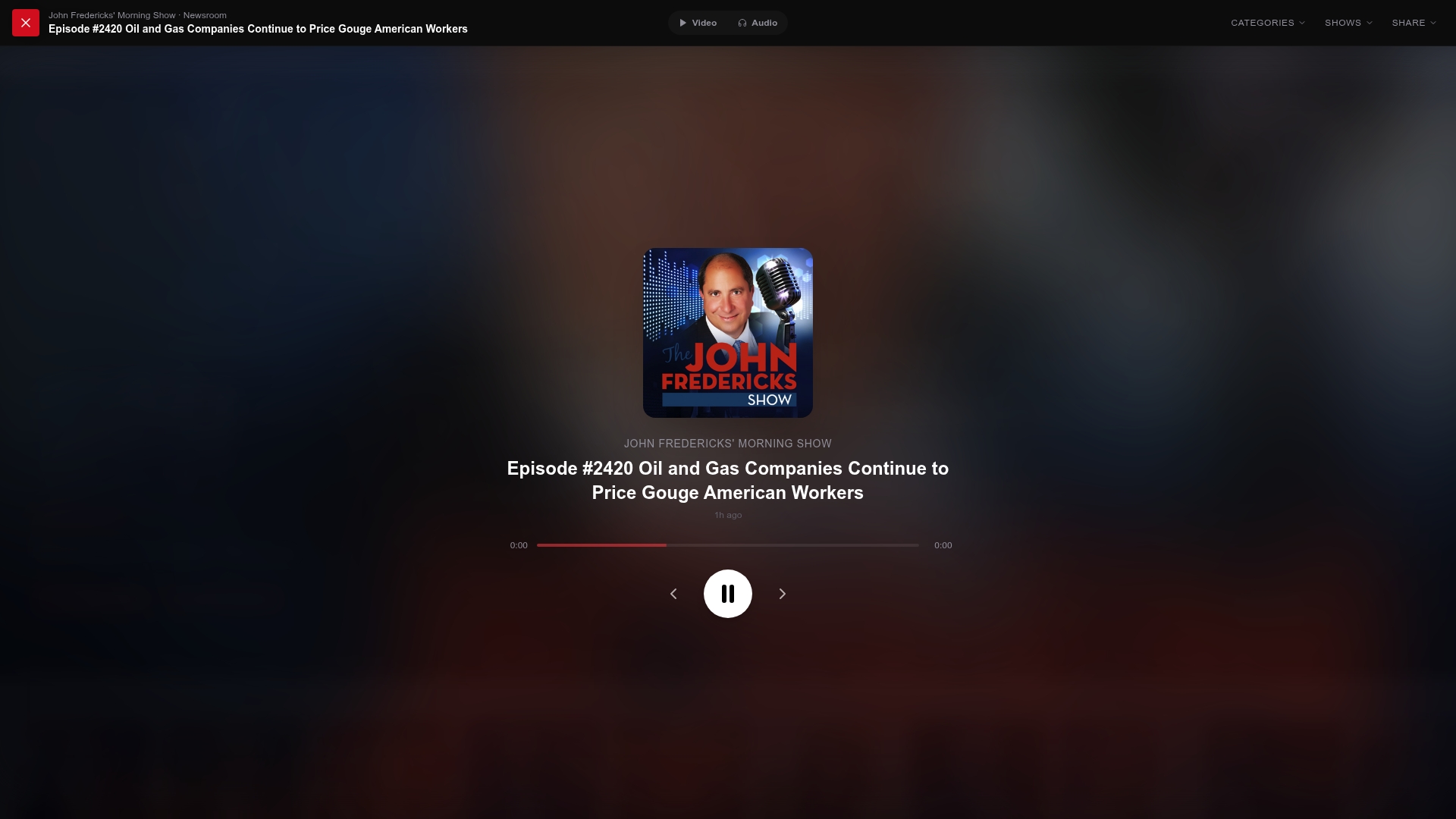
Open a show page like Ringside Politics or the Brian Kilmeade Show, copy the feed link listed there, and paste it into your app of choice. The same works for The Sentinel Report, The Fox News Rundown, After Hours with Alex Stein, and Media Exposed with Adam Weiss. If a show is video-first or platform-limited, GOPcast’s coverage of shows on Rumble points you to workarounds outside the mainstream directories.
Sources
FAQ
Who are the top conservative podcasts worth following?
Well-known conservative shows include Bannon’s War Room and The Dan Bongino Show, both featured on GOPcast alongside other prominent hosts covering news, commentary, and interviews. GOPcast’s curated show pages are a practical starting point if you want to browse several at once rather than searching host by host.
What makes a podcast RSS feed reliable to add?
A reliable feed is a direct XML link from the show’s own website, an official directory, or a curated hub page rather than a copied link from an unfamiliar third-party site. If the feed loads properly in your app and updates when new episodes publish, it’s working as intended.
What is the best way to manage multiple RSS feeds?
Most listeners use a podcast app that supports OPML import and export, letting them move an entire list of feeds between apps or devices at once. AntennaPod and similar apps support this directly, according to AntennaPod’s documentation.
Is RSS being replaced by newer podcast technology?
RSS remains the standard format behind nearly every podcast app and directory, including Apple Podcasts and Spotify’s own backend systems. Newer features like private feeds and OPML import build on top of RSS rather than replacing it, so learning to use a feed URL directly is still a durable skill for any listener.
Why use a direct RSS feed instead of a directory subscription?
A direct feed gives you control over exactly which show you’re following without relying on a platform’s search or recommendation algorithm. It also lets you access shows that are unlisted, private, or excluded from certain directories, as long as you have the correct feed URL.