
The fastest way off social media for conservative news is a three-channel setup: an RSS reader pulling your chosen publishers in chronological order, two or three curated conservative newsletters landing in a dedicated inbox folder, and a podcast aggregator like Gopcast for daily commentary. Each channel works on your terms, not an algorithm’s. No engagement bait, no shadowbanning, no feed manipulation.
- RSS feeds deliver articles from any site you choose, in the order they were published. No ranking, no boosting.
- Newsletters and email digests put a trusted editor between you and the noise. Treat them as scheduled reading, not instant alerts.
- Podcast aggregators like Gopcast let you follow shows such as The Dan Bongino Show and The Fox News Rundown without touching a social platform.
One immediate step you can take right now: open Gopcast’s best conservative podcasts list, pick one show, and hit subscribe. That takes under two minutes and gives you a daily news habit that has nothing to do with Twitter or Facebook.
Key Takeaways
Getting conservative news without social media works best when you combine a small, curated RSS feed with two or three newsletters and a podcast aggregator like Gopcast for daily commentary.
| Point | Details |
|---|---|
| Start with RSS | Add 5–10 trusted conservative sources to Feedly, Inoreader, or Reeder for a chronological, algorithm-free feed. |
| Add two newsletters | Subscribe to curated conservative digests like The Dispatch; filter them into a dedicated folder and read on a schedule. |
| Use Gopcast for audio | Gopcast aggregates conservative podcasts by topic so you can subscribe to shows like The Dan Bongino Show without social media. |
| Time-box your check-ins | A morning scan and an evening listen are enough; turning off notifications breaks the doomscrolling loop. |
| Keep the source list small | Fifteen trusted sources deliver higher signal than fifty; add more only after the habit is established. |
Table of Contents
- Which channel fits your news habit?
- How to use newsletters and email digests without drowning in them
- How to build your own RSS feed with Feedly, Inoreader, Reeder, or FreshRSS
- How to use Gopcast for conservative podcasts without social media
- Why going direct to publishers beats the algorithm every time
- How to set up news alerts without drifting back into social feeds
- How to build a healthy news routine that actually sticks
- Privacy and advanced options: FreshRSS, tracker blocking, and email-to-RSS
- Why Gopcast focuses on podcasts, not just headlines
- Gopcast is where your conservative podcast habit starts
- Sources
Which channel fits your news habit?
Different channels suit different schedules. Here is a quick breakdown so you can build the right combination.
- RSS readers (Feedly, Inoreader, Reeder, FreshRSS): Best for readers who want full control over sources and a clean, chronological feed. Minor learning curve upfront; pays off fast. Slight setup time is the only real friction.
- Newsletters and email digests: Best for people who prefer a curated summary delivered on a schedule. The Dispatch, for example, offers center-right reporting and analysis you can read over morning coffee. The downside is inbox clutter if you subscribe to too many.
- Podcasts via Gopcast: Best for commutes, workouts, or any time you want commentary rather than headlines. Gopcast aggregates conservative shows into one place, so you are not hunting across five apps. Not ideal if you need quick text headlines.
- Direct publisher subscriptions and apps: Best for readers who want full articles and push alerts from a specific outlet. Washington Examiner, The Dispatch, and similar sites offer apps and newsletters you control entirely.
- News apps and browser alerts: Best for quick headline scanning. Google News and Apple News let you follow specific topics, though their personalization is less transparent than RSS. Use sparingly.
- Print and offline options: Best for deep reading without any screen distraction. Weekly magazines and Sunday newspapers are still published; your local library often carries them free.
- Library resources and archives: Best for research and historical context. Most public libraries offer free digital access to newspaper archives through services like PressReader or ProQuest.
A practical combo for most people includes an RSS reader with several sources, one or two newsletters, and Gopcast for podcasts. That covers headlines, analysis, and commentary without a single social platform.
How to use newsletters and email digests without drowning in them
Newsletters are one of the cleanest ways to get conservative news without social media because a real editor decides what makes the cut. The trick is keeping them from turning your inbox into a second social feed.
Where to find reputable conservative newsletters
Start with publishers you already trust. The Dispatch offers independent center-right reporting and acquired SCOTUSblog in 2025, making it a strong pick for legal and political coverage. Washington Examiner sends a daily briefing. Many conservative radio hosts and commentators also run their own email lists. Before subscribing, read one sample issue and check whether the author’s name and credentials are visible. Avoid newsletters that lead every edition with outrage bait and no sourcing.
Step-by-step subscribe workflow
- Create a dedicated Gmail or Outlook label called “News” or “Conservative News.”
- Set a filter so every newsletter skips your main inbox and lands in that folder automatically.
- Check the folder at a set time, not on demand. Morning and evening work well.
- Unsubscribe from any newsletter you have not opened in three weeks. No exceptions.
Keeping it manageable
Weekly digests are easier to maintain than daily ones if your schedule is tight. If a newsletter you love does not offer RSS, services like Kill the Newsletter convert email subscriptions into RSS feeds, letting you read them inside your RSS reader instead of your inbox. A practical pipeline combining RSS, digests, and selective newsletters gives you the best signal-to-noise ratio without relying on any social platform.
Pro Tip: Treat newsletters like scheduled appointments, not notifications. Turn off email badge counts on your phone so you are not pulled in reactively.
How to build your own RSS feed with Feedly, Inoreader, Reeder, or FreshRSS
RSS is still the most practical, algorithm-free way to follow specific sites in chronological order, and the four main clients cover every type of user. Here is how to get started.
Why RSS works for this audience
Every article appears in the order it was published. No platform decides what you see first. Your subscription list is portable as an OPML file, so you can switch readers without losing your sources. You own the feed.
Step-by-step setup
- Pick a reader. Feedly and Inoreader are hosted (no server required, free tiers available). Reeder is a polished paid app for Apple devices. FreshRSS is self-hosted and free.
- Find a site’s RSS feed. Most conservative news sites have one. Add “/feed” or “/rss” to the end of the URL, or look for the RSS icon in the site footer.
- Paste the feed URL into your reader’s “Add Feed” box.
- Create folders: “Politics,” “Opinion,” “Local,” “Policy.” Drop each feed into the right folder.
- Export your full list as an OPML file once a month and save it. If a service shuts down, you can import that file into any other reader in seconds.
Hosted vs. self-hosted at a glance
- Feedly: Clean interface, strong mobile app, free tier supports up to 100 sources. Paid plans add AI filtering.
- Inoreader: More power-user features on the free tier, including keyword alerts and filtering rules. Personal testing confirms it can replace algorithmic aggregators entirely for niche interests.
- Reeder: Best reading experience on Mac and iPhone. Requires a separate sync service (Feedbin or Inoreader) as a backend.
- FreshRSS: Self-hosted, no third-party server sees your reading habits. Requires a web server or a home server like a Raspberry Pi. Worth it for privacy-focused users; overkill for casual readers.
Pro Tip: Start with a small number of sources rather than many. Add The Dispatch, Washington Examiner, and two or three opinion sites you already read. Expand only after the habit is solid.
Good starter feeds: The Dispatch for center-right analysis, Washington Examiner for daily politics and policy, plus any local conservative outlet you follow. Most conservative talk radio sites also publish RSS feeds for their written content.
For keyword alerts, Inoreader lets you create a saved search that acts like a feed. Set one for “Supreme Court” or “border security” and every matching article from your subscribed sources surfaces automatically.
How to use Gopcast for conservative podcasts without social media
Gopcast aggregates conservative podcasts into a single hub, organized by topic, so you are not hunting across Apple Podcasts, Spotify, and individual show websites to find what you want. The categories cover news, policy, border security, commentary, and more.
What Gopcast offers
Gopcast hosts dedicated show pages for programs like The Dan Bongino Show, The Fox News Rundown, Louder with Crowder, and The Sentinel Report. Each page lets you stream or subscribe directly. Gopcast also maintains curated lists, including a conservative news podcasts guide and topic-specific collections like border security podcasts, which cuts discovery time significantly.
How to get started on Gopcast
- Go to Gopcast.
- Browse by category or use the search bar to find a specific show or host.
- Open a show page and hit the play button to stream immediately, no account required for basic listening.
- To save shows and build a queue, create a free account and add programs to “My Shows.”
- Return to your queue at a set time each day rather than browsing reactively.
Fitting Gopcast into a social-free routine
Use Gopcast during commutes, workouts, or a scheduled 20-minute listening block in the morning. Disable all social app notifications on your phone and replace that habit with a Gopcast listening session. Because the content is on-demand, you set the schedule. For a step-by-step guide to subscribing to a specific show, the Dan Bongino how-to post walks through the process in detail.
Why going direct to publishers beats the algorithm every time
Direct subscriptions give you the full article, the full newsletter, and push alerts you configured yourself. No platform middleman decides whether you see a story.
- Full content access: Paywalled articles, subscriber-only newsletters, and early access to breaking coverage come with a direct subscription.
- Push alerts you control: Publisher apps let you set alert categories. Turn on “Breaking News” and “Politics,” turn off everything else.
- No feed manipulation: The publisher’s editorial team decides what runs. You decide what you read.
Practical setup
Pick two or three core publishers. Subscribe to their newsletters, download their apps, and add their homepages to your browser bookmarks bar. In Chrome or Edge, right-click the bookmarks bar and create a folder called “Conservative News.” Add Washington Examiner, The Dispatch, and any other sites you check daily. Set one of them as your browser’s new-tab homepage.
For paywalls, rotate a small set of paid subscriptions rather than paying for six at once. Many publishers offer annual plans at a significant discount over monthly. Check whether your public library provides free digital access to newspaper subscriptions through apps like PressReader before paying out of pocket.
How to set up news alerts without drifting back into social feeds
News apps and browser alerts work best as a supplement, not a primary source. The risk is that personalization features in apps like Google News or Apple News can quietly start resembling a social feed if you let the algorithm run unchecked.
Step-by-step to keep alerts clean
- In Google News or Apple News, follow specific topics rather than letting the app infer your interests. Search “Supreme Court,” “border security,” or “Second Amendment” and follow those topics directly.
- Turn off all push notifications except “Breaking News.” Every other alert is a distraction.
- Set quiet hours on your phone (10 PM to 7 AM works for most people) so no alert pulls you in outside your scheduled check-in times.
- In Microsoft Edge, the built-in news start page can be configured to show specific topics and sources, giving you a browser-native news hub without a separate app.
When to use alerts vs. RSS
Use alerts for genuinely breaking news: a Supreme Court ruling, a major policy announcement, an election result. Use your RSS reader for everything else. Alerts are a narrow tool; RSS is your daily feed. Mixing them up leads to notification overload.
How to build a healthy news routine that actually sticks
The biggest reason people drift back to social media for news is not that the alternatives are worse. It is that social media is designed to be reactive and RSS is not. That gap is a feature, not a bug.
Experts recommend time-boxed check-ins and turning off all notifications as the two most effective changes when leaving social media for news. Turning off notifications breaks the reactive loop that makes doomscrolling so hard to quit.
A sample schedule that works
- 7:00 AM: 10-minute RSS scan. Skim headlines, star two or three articles to read fully.
- 12:00 PM: Read starred articles and one newsletter over lunch. No browsing.
- 6:30 PM: 15-minute Gopcast podcast episode during a commute or walk.
- No news after 9 PM. The stories will still be there in the morning.
This structure works because choosing sources deliberately changes what you see compared with algorithmic feeds. You are not reacting to what a platform surfaced. You are reading what you chose.
A layered system, RSS as the foundation, newsletters for depth, and podcasts for commentary, helps reduce noise and keep signal retention high. The key is keeping the source list small. A smaller number of trusted sources delivers higher signal than a larger number of mediocre ones.
Pro Tip: Design your news ritual around a physical cue: coffee in the morning, earbuds in for the commute. Habit stacking makes the routine automatic within two weeks.

Privacy and advanced options: FreshRSS, tracker blocking, and email-to-RSS
If you want to follow conservative news without handing your reading habits to third-party servers, a few extra steps make a real difference.
Self-hosting with FreshRSS
FreshRSS is a free, open-source RSS reader you install on your own server. No company sees which articles you read or how often. The tradeoff is maintenance: you handle updates, backups, and occasional troubleshooting. For most casual readers, a hosted client like Inoreader or Feedly is the right call. For power users who want full data control, FreshRSS on a home server or a cheap VPS is worth the setup time.
Minimal self-hosted checklist
- Rent a basic VPS (DigitalOcean, Linode, or similar) or use a home server.
- Install FreshRSS following the official documentation.
- Import your OPML file from your previous reader.
- Access FreshRSS through your browser; no app required.
Tracker blocking and private reading
Firefox’s built-in tracking protection blocks a wide range of third-party trackers when you read news sites directly. Enable Enhanced Tracking Protection in Firefox settings and set it to “Strict” mode. For additional coverage, uBlock Origin is a widely used, open-source browser extension that blocks ads and trackers across all major browsers.
Email-to-RSS
If a newsletter you want does not offer an RSS feed, Kill the Newsletter (killtheweb.com) generates a unique email address and a corresponding RSS feed. Subscribe to the newsletter with that address and the emails appear as feed items in your RSS reader. This keeps everything in one place and removes newsletters from your inbox entirely.
When to invest in self-hosting: if you read news for more than an hour a day, care about data privacy, or want to run keyword filters and custom rules without paying for a premium tier, FreshRSS is worth the effort. Everyone else should start with Feedly or Inoreader and revisit self-hosting later.
Why Gopcast focuses on podcasts, not just headlines
The case for podcast aggregation as the center of a conservative media diet is not obvious until you think about how people actually consume political commentary. A headline tells you what happened. A 45-minute podcast episode tells you what it means, who is affected, and what comes next. That depth is hard to replicate in a newsletter or an RSS feed.
At Gopcast, the editorial rationale is straightforward: conservatives who want to stay informed without social media need a place where the shows are already curated, the categories are organized by topic, and the listening experience does not require navigating five different apps. RSS and newsletters handle the written word well. Gopcast handles the audio layer, and those two channels complement each other rather than compete.
The promise is simple: easy discovery through curated categories, subject-specific shows for issues like border security and policy, and a single destination that does not require a social media account to use. A listener who pairs a solid RSS setup with a Gopcast listening habit has a genuinely complete news diet, one built entirely on sources they chose.
Gopcast is where your conservative podcast habit starts
If you have spent any time hunting for conservative shows across multiple apps, you already know the problem Gopcast solves. Everything is in one place, organized by topic, and free to stream.
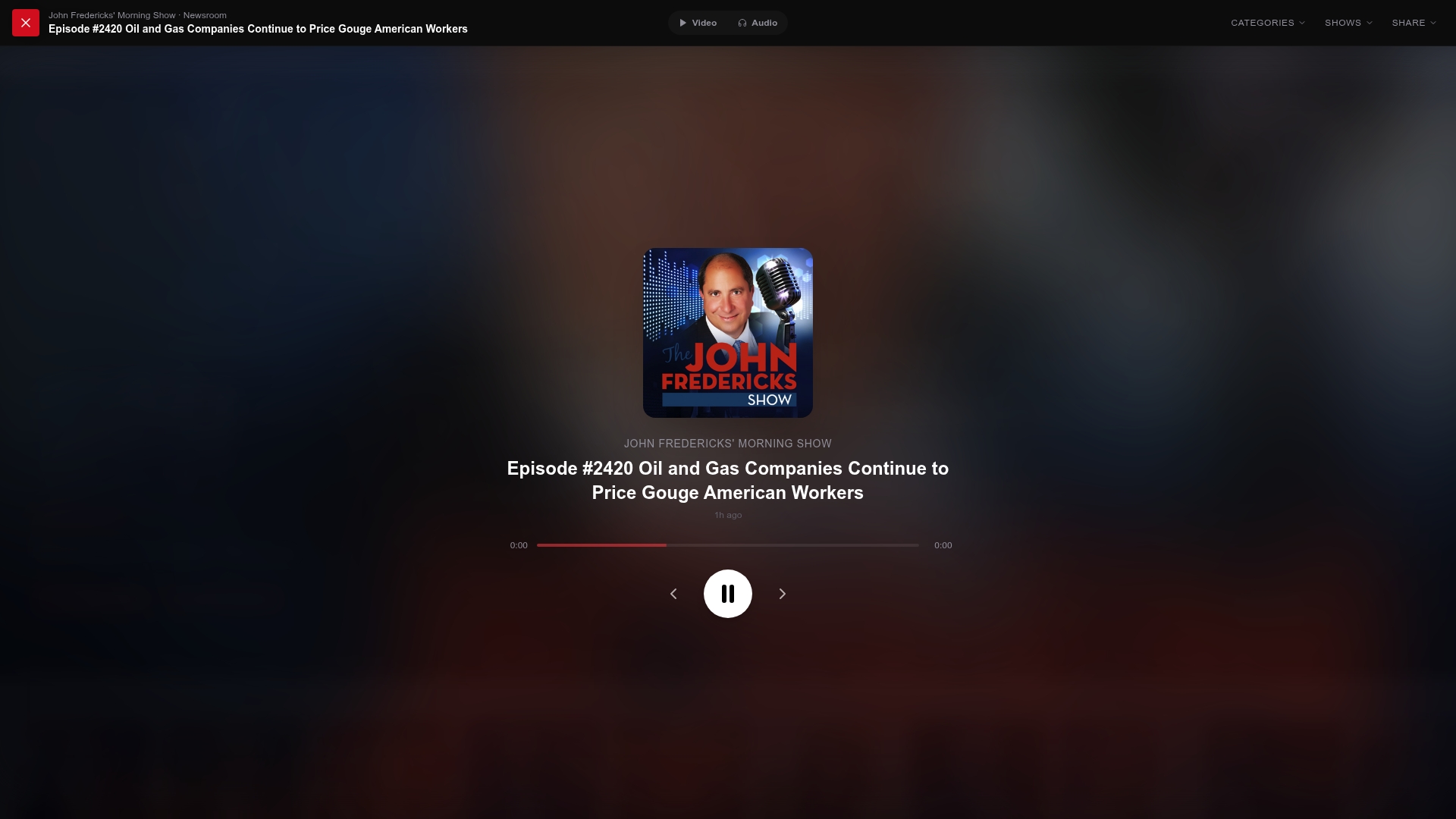
Start with three shows that cover different formats. The Dan Bongino Show for daily political commentary. The Brian Kilmeade Show for a morning news roundup. Hang Out with Sean Hannity for evening opinion and interviews. All three are available on Gopcast with no social media account required. Add them to “My Shows,” set a listening time, and you have a conservative audio news habit built in under five minutes.
Head to Gopcast to browse the full catalog, explore topic categories, and subscribe to your first show today.
Sources
- I built my own news feed | Android Police
- How social and traditional media differ — their treatment, conventions and beyond | Pew Research Center
- Firefox — Mozilla