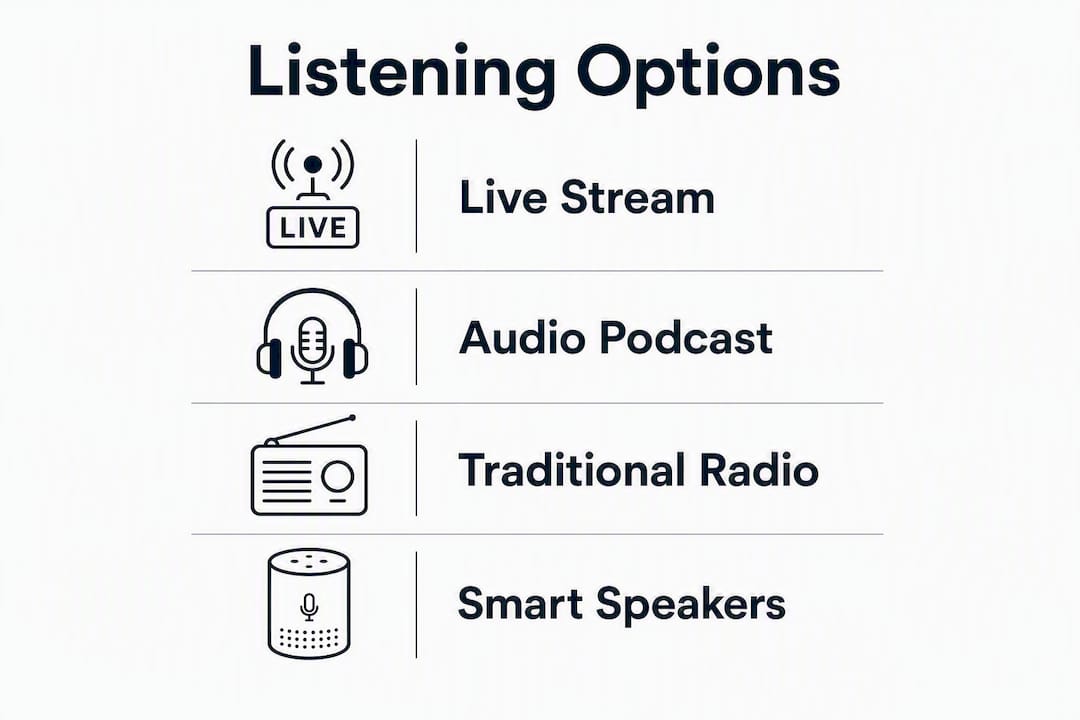
The fastest way to listen to Dan Bongino right now: watch the live video stream on Rumble, subscribe to the audio podcast on Apple Podcasts or Spotify, find a local AM/FM affiliate through Westwood One via TuneIn, or pull up the show directly on Gopcast as an all-in-one audio hub. Since the February 2, 2026 relaunch, Cumulus Media repositioned the show as a daily two-hour program airing weekdays at 10 AM ET.
Your four fastest routes:
- Rumble — live video stream, full show, free
- Apple Podcasts or Spotify — audio-only subscription, auto-downloads
- TuneIn / Westwood One affiliates — local AM/FM radio or online station streams
- Gopcast — aggregated audio feed alongside other conservative shows
Pro Tip: If you want the complete experience, go to Rumble. If you follow several conservative shows and prefer one place to manage them all, Gopcast is the smarter starting point.
Table of Contents
- How to watch the Dan Bongino live stream on Rumble
- How to subscribe to the Dan Bongino audio podcast
- How to find The Dan Bongino Show on traditional radio
- How to listen in the car and on smart speakers
- How to subscribe, set notifications, and save episodes offline
- Quick fixes when you can’t find or stream an episode
- How to follow show updates and join the Bongino Army community
- Which listening option is best for your situation
- Key Takeaways
- Why aggregation matters more than most listeners realize
- The Dan Bongino Show is on Gopcast right now
How to watch the Dan Bongino live stream on Rumble
Rumble is the official home for the video livestream. The full show, clips, and archived episodes all live on the Bongino Rumble channel, and the video-first production means some in-studio moments and visual segments simply do not translate to audio feeds alone.
On a web browser:
- Go to Rumble.com/c/bongino.
- Click the red “Follow” button to get notified when the show goes live.
- At 10 AM ET on weekdays, a live tile appears at the top of the channel page. Click it to watch.
On mobile (iOS or Android):
- Download the Rumble app from the App Store or Google Play.
- Search “Bongino” and open the official channel.
- Tap “Follow,” then allow notifications so the app alerts you at showtime.
On a connected TV:
- Install the Rumble app on your Roku, Fire TV, Apple TV, or smart TV.
- Search for the Bongino channel and follow it.
- For AirPlay or Chromecast, start the stream on your phone and cast to your TV from the share icon.
Pro Tip: Turn on Rumble’s “Live Notifications” specifically, not just general follows. The setting is under your account notification preferences and sends an alert the moment the show goes live, not after.
How to subscribe to the Dan Bongino audio podcast
The show’s audio feed is available on Apple Podcasts, Spotify, iHeart, and most major podcast directories. Episode show notes on these platforms typically include links back to the Rumble video version, so you can jump to the full visual episode whenever you want.
Subscribing on Apple Podcasts:
- Open Apple Podcasts and search “Dan Bongino Show.”
- Tap the show, then tap “Follow.”
- Go to Settings within the show and enable “Notify Me of New Episodes” and “Auto-Download.”
Subscribing on Spotify:
- Search “Dan Bongino Show” in Spotify.
- Hit “Follow” on the podcast page.
- Tap the bell icon to turn on episode notifications.
Adding the feed manually to any podcast app:
- Copy the show’s RSS feed URL from the official site at bongino.com/podcasts.
- In your app (Pocket Casts, Overcast, Castro, etc.), find “Add by URL” and paste it.
- Subscribe and set your download preferences.
Using Gopcast for audio access:
Gopcast aggregates the Dan Bongino Show alongside shows like the Brian Kilmeade Show and the Trey Gowdy Podcast, so you get one playback surface for your full conservative lineup without switching apps. Navigate to the Gopcast Dan Bongino page and hit play.
Benefits of audio-only listening:
- Offline downloads for commutes with no signal
- Lower data usage compared to video streaming
- Background playback while your screen is off
- Faster episode scrubbing to find specific segments
Pro Tip: Set your podcast app to download new episodes on Wi-Fi only. That way, Monday’s show is already on your phone before you leave the house, and you never burn mobile data on a two-hour file.
How to find The Dan Bongino Show on traditional radio
The show is syndicated nationally through Westwood One, which means your local AM/FM station carries it on its own schedule. There is no single universal dial number because affiliate stations vary by market.
Finding your local affiliate:
- Visit TuneIn’s Dan Bongino Radio page and search by your city or ZIP code.
- Check the official Bongino site for a station finder or affiliate list.
- Search your local AM talk station’s website or app for “Bongino” in their schedule.
Radio listening options once you find your station:
- Traditional AM/FM tuner in your home or car
- The station’s own streaming app or website
- TuneIn’s online stream for that station
- Asking your smart speaker to play the station by name
Availability is market-dependent. If your area has no Westwood One affiliate carrying the show, the podcast apps and Rumble are the reliable fallback. TuneIn also streams many affiliate stations online, so you can listen to an out-of-market station that airs the show if your local one does not.
How to listen in the car and on smart speakers
Car and hands-free listening options:
- Bluetooth: Pair your phone, open your podcast app or Rumble, and play through your car speakers.
- CarPlay (iPhone): Plug in or connect wirelessly. Your podcast app appears on the dash screen. Tap the show and go.
- Android Auto: Same process. Open the podcast app from the Android Auto interface.
- AM/FM tuner: Tune to your Westwood One affiliate at 10 AM ET.
- Station apps via Bluetooth: Open your local station’s app on your phone and stream through the car audio.
Quick CarPlay/Android Auto setup:
- Connect your phone to the car via USB or wireless.
- Open your podcast app (Apple Podcasts, Spotify, or Pocket Casts) from the car’s display.
- Search “Dan Bongino Show” and tap play.
Smart speaker commands:
- Alexa: “Alexa, play The Dan Bongino Show podcast” or “Alexa, play [your local station] on TuneIn.”
- Google Assistant: “Hey Google, play The Dan Bongino Show on Spotify” or “play [station name].”
Pro Tip: Create an Alexa routine that plays the show automatically at 10 AM ET on weekdays. Set it once under Alexa Routines in the app, and it fires without you touching anything.
How to subscribe, set notifications, and save episodes offline
Subscribing and enabling notifications by platform:
- Apple Podcasts: Follow the show, then tap the three-dot menu and select “Notifications On.”
- Spotify: Follow and tap the bell icon on the podcast page.
- Rumble: Follow the channel and enable Live Notifications in your account settings.
- Gopcast: Visit the Dan Bongino show page and bookmark or follow within the platform.
Download and storage settings to check:
- Auto-download new episodes: on
- Download on Wi-Fi only: on (saves mobile data)
- Keep episodes for: 7 days or until listened to
- Storage limit: set a cap so old episodes delete automatically
One practical note on notifications: if you follow the show on both Apple Podcasts and Spotify, you will get duplicate alerts for every episode. Pick one app as your primary and turn off notifications on the other to keep your lock screen clean.
Quick fixes when you can’t find or stream an episode
Step-by-step checks:
- Confirm you are on the right platform. Rumble for video; Apple Podcasts, Spotify, or Gopcast for audio; TuneIn for radio.
- Check your internet connection. A dropped connection is the most common cause of a stalled stream.
- Force-close and reopen the app.
- Clear the app cache (Settings > App > Clear Cache on Android; offload and reinstall on iOS).
- Update the app. Outdated versions frequently break podcast feeds.
Platform-specific checks:
- Rumble: If the live stream is not loading, check Rumble’s status page or the Bongino channel for a delay notice.
- Podcast apps: Pull down to refresh the feed. If the latest episode is missing, wait 30 minutes; new episodes sometimes take time to propagate across directories.
- Local radio: Confirm your affiliate’s schedule has not shifted. Westwood One affiliates occasionally move shows to different time slots.
If you are outside the United States, Rumble and the major podcast apps are generally accessible without restrictions. Local radio streams via TuneIn may vary. Gopcast works as a reliable fallback for audio access from any location.
How to follow show updates and join the Bongino Army community
Ways to stay current and engaged:
- Official site: bongino.com posts show updates, episode links, and live listen options.
- Rumble channel: Comments on each video are the most active real-time discussion space.
- Podcast subscriptions: Following on Apple Podcasts or Spotify ensures new episodes appear automatically in your feed.
- Social channels: The show maintains a presence on X (formerly Twitter) and other platforms for clip sharing and news updates.
- Gopcast: The Gopcast platform aggregates related conservative shows, so following Bongino there puts you one click away from similar programs like Louder with Crowder when you want more content in the same vein.
When participating in Rumble comments or community forums, the Bongino Army tends to be an engaged, opinionated crowd. Staying on topic and keeping exchanges substantive gets you further than reflexive back-and-forth.
Which listening option is best for your situation
- One hub for multiple conservative shows: — Gopcast. It aggregates Bongino alongside dozens of other programs so you are not juggling five different apps.
Every option listed here is free and advertising-supported. There are no mandatory paid tiers to access the show on Rumble, Apple Podcasts, Spotify, or Gopcast. Some platforms offer premium or ad-free upgrades, but the full show is available at no cost on all of them.
Pro Tip: If you already follow podcasts like Ben Shapiro’s Daily Wire show or similar conservative programs, Gopcast is worth bookmarking. It pulls those shows and Bongino into one feed, which is genuinely more convenient than managing separate subscriptions across multiple apps.
Key Takeaways
The Dan Bongino Show is available free across Rumble (live video), Apple Podcasts and Spotify (audio), Westwood One affiliates via TuneIn (radio), and Gopcast (aggregated conservative podcast hub).
| Point | Details |
|---|---|
| Primary video platform | Watch the live stream on Rumble weekdays at 10 AM ET after the February 2026 relaunch. |
| Audio subscription | Follow on Apple Podcasts or Spotify and enable auto-downloads for offline listening. |
| Local radio access | Find your Westwood One affiliate through TuneIn; station numbers vary by market. |
| All-in-one audio hub | Gopcast aggregates the Dan Bongino Show with other conservative programs in one place. |
| Show format | The show runs daily since the February 2, 2026 Cumulus Media relaunch. |
Why aggregation matters more than most listeners realize
The conventional advice is simple: pick your favorite app and subscribe. That works fine if Dan Bongino is the only show you follow. But most listeners in this space follow four, five, or six shows, and managing separate subscriptions across Rumble, Apple Podcasts, Spotify, and individual station apps creates real friction over time.
Gopcast’s argument is not that it replaces Rumble for video. It does not, and it should not. The Rumble livestream is the full product, and if you can watch at 10 AM ET, that is where you should be. What Gopcast solves is the discovery and management problem for audio listeners who want Bongino alongside shows like the Fox News Rundown or the No Agenda Show without opening a different app for each one.
The 2026 relaunch to a two-hour daily format actually makes this more relevant, not less. Two hours of content is a real commitment, and listeners who want to catch up on specific segments rather than the full show benefit from a platform that surfaces clips and episodes in one organized feed. That is exactly the gap an aggregator fills.
The Dan Bongino Show is on Gopcast right now
Gopcast is the single-site alternative for listeners who want the Dan Bongino Show without managing multiple apps. Every episode is available through the Gopcast Dan Bongino page, with site-level playback controls and a curated lineup of related conservative shows alongside it.
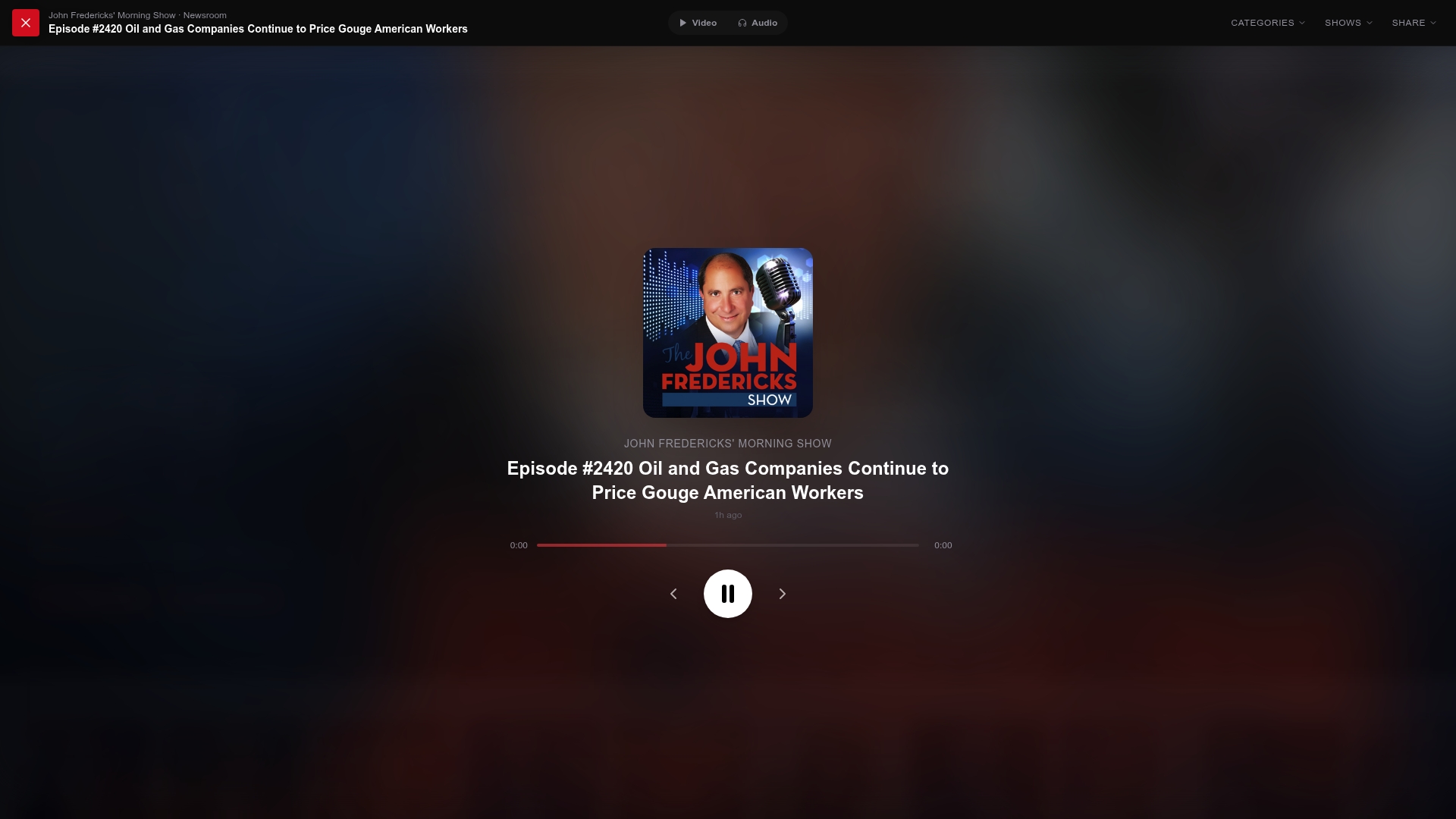
The practical advantage over standalone podcast apps: you get Bongino in the same place as dozens of other conservative programs, from political commentary to investigative content, all organized and ready to play. No separate subscriptions, no app-switching. Visit Gopcast and start listening to The Dan Bongino Show today.