
You can listen to Clay and Buck live weekdays from noon to 3 p.m. ET on the official listen-live stream, through hundreds of local AM/FM affiliates, or on the GOPcast show page. If you missed the broadcast, on-demand episodes post on Apple Podcasts, iHeart, and Spotify, usually split into Hour 1, Hour 2, and a shorter Daily Review clip for anyone who just wants the highlights.
- Live now: Open the show’s official stream or your local station’s app during the noon to 3 p.m. ET window.
- Catch up later: Search Apple Podcasts, iHeart, or Spotify for hour segments and Daily Review clips.
- Find your local station: Use the official station finder rather than guessing at a random AM dial number.
Key Takeaways
Listening to Clay and Buck requires knowing the official noon to 3 p.m. ET live window, using the right podcast platform for hour-segmented episodes, and having a fallback source when a local affiliate stream fails.
| Point | Details |
|---|---|
| Live window | The show broadcasts weekdays noon to 3 p.m. ET on the official listen-live stream and hundreds of affiliates. |
| Use the station finder | Official affiliate lookup beats third-party station pages, which can list outdated local air times. |
| Episodes split by hour | Apple Podcasts and Spotify break episodes into Hour 1, Hour 2, and Daily Review clips for faster catch-up listening. |
| Troubleshoot in order | Clear cache, update the app, try the official stream, then check the station’s FCC public file. |
| One-stop listening | GOPcast hosts the Clay & Buck show page alongside other conservative programs for streaming and subscribing in one place. |
Table of Contents
- How to Listen to Clay and Buck Live Every Weekday
- Where to Find On-Demand Clay and Buck Episodes and Daily Review Clips
- Fixing Playback Problems and Understanding Commercial-Free Options
- What Actually Matters When You Just Want to Tune In
- Stream Clay and Buck and Discover More Conservative Voices on GOPcast
- Sources
How to Listen to Clay and Buck Live Every Weekday
The Clay Travis and Buck Sexton Show broadcasts live on weekdays during a multi-hour block, and the official listen-live page lists noon to 3 p.m. ET as the standard window along with a direct stream link. Some local affiliates air the show at a different local time. A Central time station, for example, might list it as 11 a.m. to 2 p.m. locally, which is the same national feed just labeled for that market’s clock. If your app shows a different start time than you expected, that’s usually why, not a scheduling error.
Here’s the fastest path to a live stream, in order:
- Try the official stream first. The listen-live page is maintained directly by the show and tends to stay accurate when affiliate schedules shift.
- Check your local AM/FM affiliate. Premiere Networks distributes the show to stations across the country, and most of those stations run their own web player or app.
- Open a major streaming platform. iHeart carries the show and works well if you already use that app for other talk radio.
- Confirm carriage through the station’s public file if you’re unsure. Stations like WROK post their programming schedules in FCC public files, which is a more reliable check than a third-party listing page that hasn’t been updated in months.
Local station pages, like the one run by NewsTalk 1290, often advertise a “listen live” button and posted show times, but affiliate lineups change more often than those pages get refreshed. That’s the main reason to treat the official station finder as your first stop rather than whatever page ranks highest in a search.
Pro Tip: If a local affiliate’s stream buffers constantly on your phone, skip the station app and go straight to the show’s own listen-live page. It’s built specifically for that live traffic and rarely has the same congestion issues as a smaller station’s server.
Where to Find On-Demand Clay and Buck Episodes and Daily Review Clips
If you’re not catching the show live, the episode archive is where most listeners actually spend their time. Apple Podcasts hosts the full feed with releases broken into hour segments, plus separate Daily Review clips that condense the broadcast into a shorter highlight reel. That structure matters if you only have twenty minutes on a commute: you’re not stuck scrubbing through a full episode file to find the ten minutes you actually wanted.
Platforms handle this differently:
- Apple Podcasts typically lists Hour 1, Hour 2, and Daily Review as separate, clearly labeled episodes.
- iHeart folds live and on-demand access into one app, useful if you want both the stream and the archive in one place.
- Spotify carries the same hour-segmented feed, which makes it easy to skip straight to a specific hour without downloading anything extra.
Directories like Goodpods rank episodes by listener activity, which is a fast way to find a strong entry point if you’re new to the show and don’t know where to start. Searching a podcast app for “Hour 1,” “Daily Review,” and a specific date will usually surface the exact segment you’re after faster than browsing chronologically.
For offline listening, download episodes over Wi-Fi before you lose signal, and delete them after you’ve listened. A single three-hour episode in standard audio quality can run well over 100MB, and hour-segmented downloads add up fast if you subscribe on more than one app and forget to clear old episodes.

Fixing Playback Problems and Understanding Commercial-Free Options
Streaming problems almost always trace back to one of four things: a stale app cache, an outdated app version, a weak local affiliate stream, or a region issue with a specific station. Work through them in that order before assuming the show itself is off the air.
- Clear your podcast app’s cache if episodes stall mid-playback or refuse to download.
- Update the app. Outdated versions are the most common cause of broken live streams on mobile.
- Switch to the official listen-live stream if your local affiliate’s web player is unreliable.
- If the show seems to be missing entirely from a station lineup, check that station’s FCC public file to confirm it’s still carrying the program.
VIP or member-only options, where offered, usually mean a commercial-free stream and access to a member video page, which matters most if you’re listening during a long drive and don’t want ad breaks interrupting the flow. It’s a convenience layer, not a different show.
Pro Tip: To find a specific moment without scrubbing a full episode, search the podcast feed by date plus “Hour 2” or “Daily Review” instead of opening the combined file and guessing where the segment starts.
What Actually Matters When You Just Want to Tune In
Most guides to finding talk radio shows overcomplicate this. Everything else, station finders, FCC files, third-party station pages, exists to solve the edge cases, not the main use case.
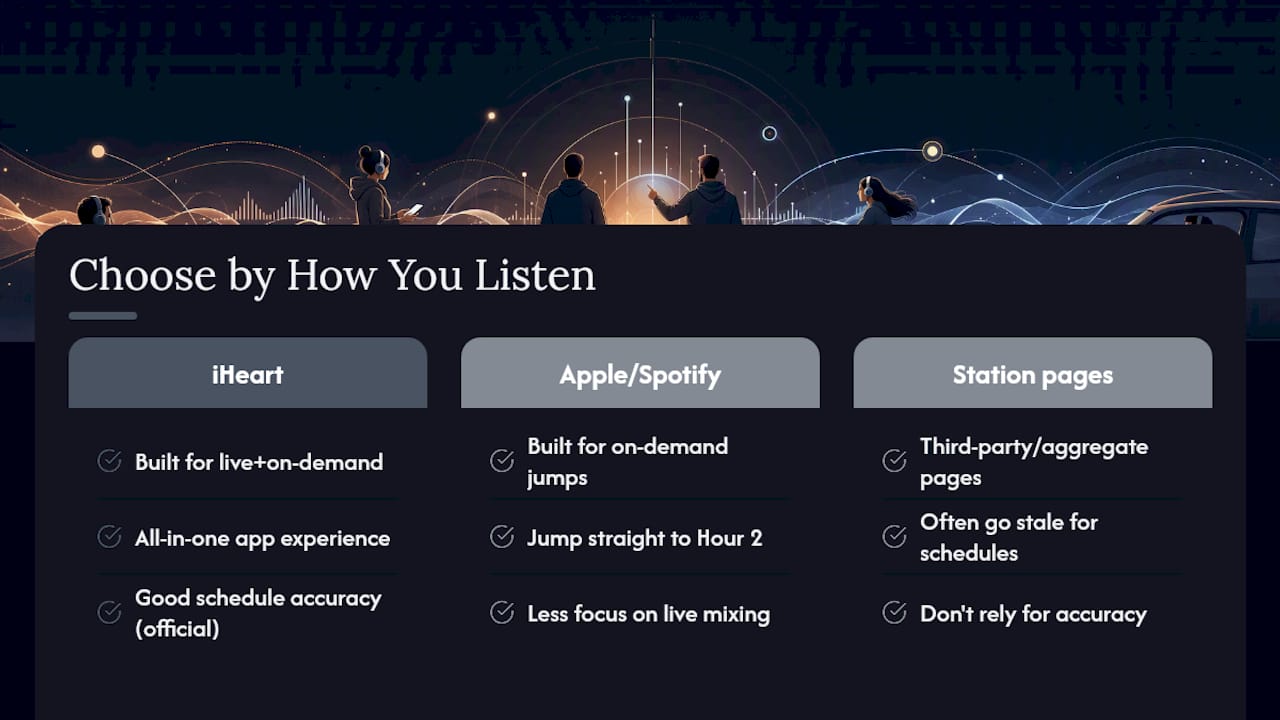
Where conventional advice falls short is treating every platform as interchangeable. They’re not. iHeart is built for someone who wants live and on-demand in one app. Apple Podcasts and Spotify are built for someone who wants to jump straight to Hour 2 without touching the rest. Pick based on how you actually listen, not which app you already have installed out of habit.
If you take one thing from this: stop relying on random station pages for schedule accuracy. They go stale. The official sources don’t.
— GOPcast
Stream Clay and Buck and Discover More Conservative Voices on GOPcast
GOPcast gives you one place to find Clay and Buck alongside other conservative programs, so you’re not juggling five different apps to hear the hosts you actually follow. The GOPcast show page for Clay & Buck lets you stream episodes and subscribe without hunting across scattered station sites.
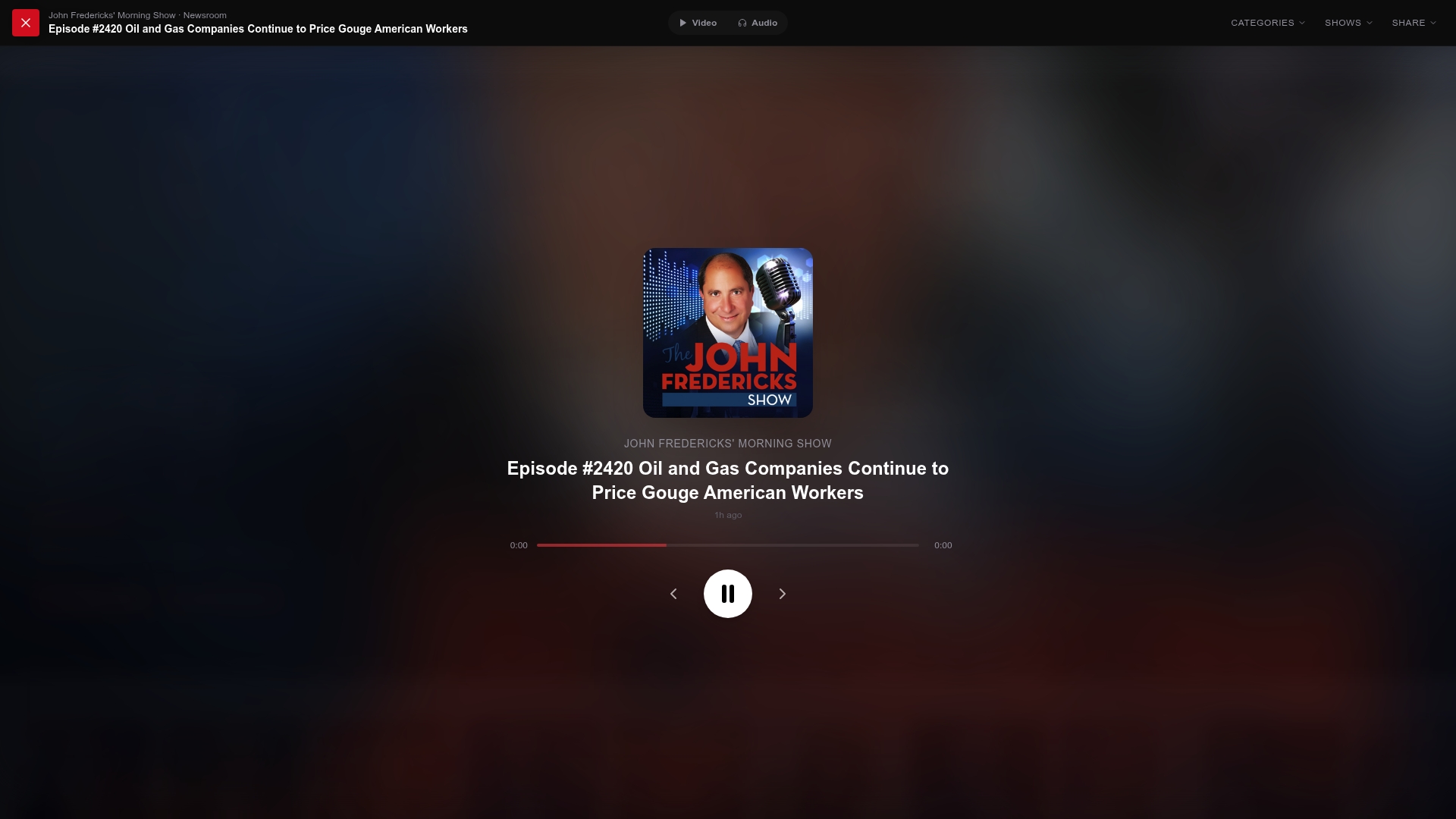
Once you’re on the page, browsing similar shows takes one click instead of a new search. If you liked Clay and Buck’s take on the day’s news, GOPcast also hosts The Dan Bongino Show, Hang Out with Sean Hannity, and dozens of other conservative news podcasts sorted by topic, so you can go from one host straight into another without starting your search over from scratch. Head to the GOPcast home page now and pull up Clay and Buck’s episode list to start listening.
Sources
- Listen Live — Clay and Buck
- The Clay Travis and Buck Sexton Show | Premiere Networks
- The Clay Travis and Buck Sexton Show — Apple Podcasts
- FCC public files — WROK