
The fastest route is The Charlie Kirk Show’s official listen-live page for the weekday broadcast, plus Spotify, Apple Podcasts, and the Salem Media Group app for on-demand episodes. If you’d rather browse one place for Charlie Kirk alongside other conservative programming, GOPcast’s Charlie Kirk show page hosts the episodes and links out to related shows.
TL;DR:
- The show airs live on weekdays through Salem Radio Network, but timing varies by local station, so check your specific schedule.
- On-demand episodes are available on Spotify, Apple Podcasts, and GOPcast, with a standard RSS feed that works across multiple apps.
- Streaming quality benefits from using Wi-Fi, downloading episodes beforehand, and adjusting playback speed; buffering and lag can occur with poor signals.
- To avoid missing content during live broadcasts, use the on-demand version later or stream through GOPcast or the official website.
- GOPcast consolidates the show’s episodes and related content in one platform, making discovery and subscription easier.
Table of Contents
- How to listen to Charlie Kirk on radio, podcast apps, and streaming platforms
- How do you start listening to Charlie Kirk right now?
- Getting the best listening experience: quality, downloads, and playback tips
- What actually matters if you just want to start listening
- Stream Charlie Kirk and more conservative talk in one place on GOPcast
- Sources
How to listen to Charlie Kirk on radio, podcast apps, and streaming platforms
Charlie Kirk broadcasts live on weekdays in a multi-hour block, which is standard for talk radio syndication and gives affiliate stations flexibility on exact air times in their markets. That’s the reason two listeners in different cities might catch the show at slightly different local hours even though it’s the same national feed.
The broadcast reaches local stations through the Salem Radio Network, which is how a single national program ends up on dozens of individual talk radio dials. Syndication works like a wholesale distribution deal: Salem produces and feeds the show, and local AM/FM affiliates carry it during their own programming blocks. If you want to know when it airs on a specific station near you, check that station’s own schedule page rather than assuming it matches another city’s slot.
For anyone who doesn’t want to hunt down a local frequency, on-demand access solves the timing problem entirely. The show publishes through standard podcast RSS distribution, which means it shows up automatically on:
- Spotify, with a full show page and episode archive
- Apple Podcasts, searchable by name
- The Salem Media Group app, alongside other Salem-produced programs
That RSS-based distribution is what the Podnews directory listing confirms: the show runs on a standard feed structure, not a proprietary format that locks it to one app.
Pro Tip: When live radio timing is confusing because your local affiliate airs the show at an odd hour, skip the guesswork and pull up the podcast version instead. You’ll get the same content without waiting on a local broadcast window.
For the actual live schedule and details on calling into the show, the official listen-live page is the one source that stays current. Radio affiliate schedules can shift by market, but that page reflects the network’s own timing.
How do you start listening to Charlie Kirk right now?
Getting the show playing takes less than two minutes on almost any device. Here’s the fastest path depending on where you’re starting from.
- On the web: Open the official listen-live page in your browser during the weekday broadcast window, or head to GOPcast’s Charlie Kirk show page to pull up recent episodes on demand.
- On a phone or tablet: Install Spotify or Apple Podcasts from your app store, search “Charlie Kirk,” and tap follow or subscribe so new episodes land in your library automatically.
- Through a podcast app with RSS support: If your app allows manual feed entry, paste in the show’s RSS URL from its official page instead of searching, which works well for lesser-known podcast apps that don’t index every show by name.
- Via radio: Search “Salem Radio Network affiliate” plus your city to find a local station carrying the show. If nothing turns up nearby, stream it online through GOPcast or the official site instead of giving up on live listening.
- In the car or on a smart speaker: Pair your phone over Bluetooth, or use CarPlay/Android Auto and say “play Charlie Kirk podcast” through your voice assistant. On a smart speaker, a command like “play the Charlie Kirk Show podcast” usually pulls the latest episode from whatever podcast service is linked to the device.
If an episode seems to be missing from your feed, that’s almost always a sync delay rather than a removed episode. Podcast platforms don’t always update at the same moment, so an episode that posted an hour ago might show up on Spotify before it appears in a smaller third-party app. Refreshing the feed manually usually fixes it. If a local affiliate simply doesn’t carry the show at all, that’s a station programming decision, not a sign the show went off the air. In that case, streaming through GOPcast or the official site is the more reliable habit anyway, since it removes your dependence on any one station’s lineup.
Pro Tip: If you’re driving during the live window and your local station cuts to commercials or local news, switch to the on-demand version later that day rather than waiting through the interruption. You won’t miss anything, and you can skip straight past segments you’ve already caught on the radio.

Getting the best listening experience: quality, downloads, and playback tips
A few small habits make a real difference in how the show sounds and how easy it is to find what you want.
- Use Wi-Fi for streaming when you can. Cellular data works fine for audio, but a weak signal causes buffering that cuts into live commentary right when it matters.
- Check Bluetooth latency in the car. Older Bluetooth adapters sometimes lag a second or two behind the source, which is noticeable during fast back-and-forth segments.
- Download episodes before you drive somewhere with spotty coverage. Most podcast apps support offline downloads, and this is standard functionality across nearly every major platform, so you’re not stuck without service.
- Use playback speed and bookmarking to find highlights faster. If you’re hunting for a specific interview or one of the longer “Thoughtcrime” specials, a 1.25x or 1.5x speed setting can save real time without making the audio sound rushed.
- Follow rather than just search. Following or subscribing means new episodes download automatically or notify you, so you’re not manually checking back every day.
Pro Tip: If storage is tight on your phone, set your podcast app to auto-delete episodes after you finish them. That keeps your download queue clean without you having to think about it.
What actually matters if you just want to start listening
Most guides to this topic bury the answer under a pile of app comparisons and screenshot walkthroughs. The reality is simpler: there are really only two paths, live radio or on-demand streaming, and one of them removes almost every friction point the other one creates.
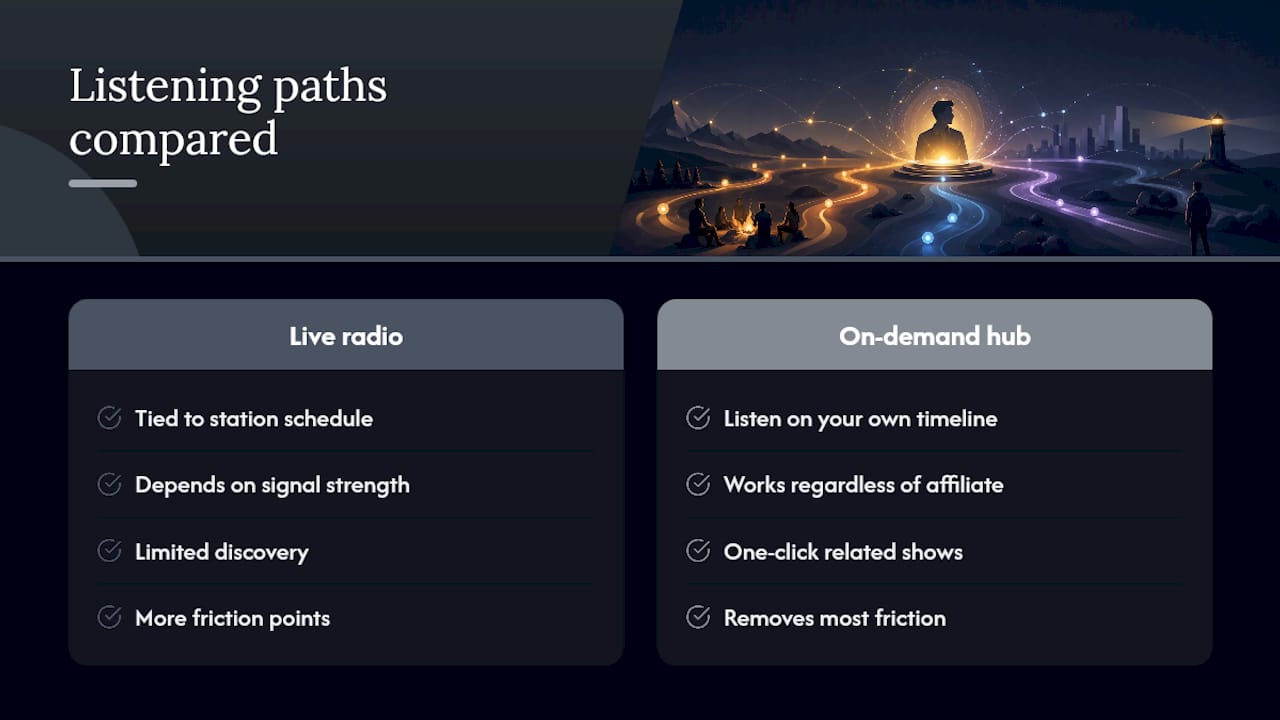
Live radio has a charm to it, the sense of catching commentary as it happens, but it ties you to a station’s schedule and a signal strength you don’t control. On-demand listening through Spotify, Apple Podcasts, or a curated hub gives you the same content on your own timeline, and it doesn’t care whether your local affiliate airs the show at 6 a.m. or not at all.
The overlooked advantage of a hub approach like GOPcast is discovery, not just convenience. Once you’re listening to Charlie Kirk, you’re one click from other shows built around the same worldview, without a separate search for each one. That’s a bigger deal than most people give it credit for. If you’re new to conservative talk radio and podcasts, the hardest part usually isn’t finding one show. It’s finding the next five worth your time.
— GOPcast
Stream Charlie Kirk and more conservative talk in one place on GOPcast
GOPcast is the direct alternative to hunting across five different apps for the shows you actually want. Instead of bouncing between a radio affiliate schedule, a podcast app search, and a separate bookmark for every host, you get a single hub built specifically around conservative commentary, news, and interviews.
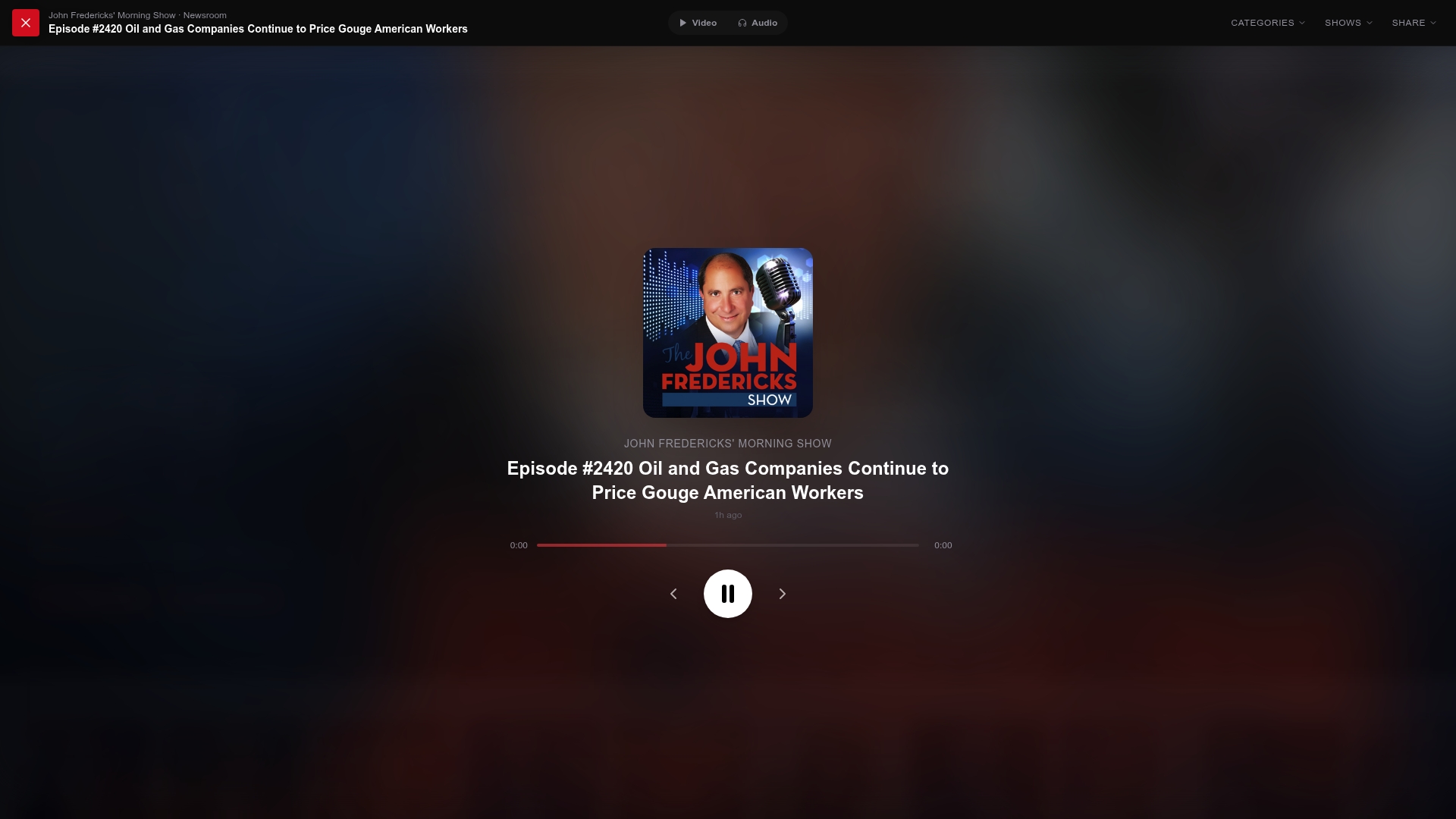
Open the Charlie Kirk show page on GOPcast to start streaming the latest episode right now, no account juggling required. From there, follow the show so new episodes show up automatically, and browse related programming like the Brian Kilmeade Show or The Dan Bongino Show without leaving the platform. If you’re building out your daily lineup of conservative voices, GOPcast’s homepage is the fastest starting point for discovering what else is on the roster.
Sources
- Podnews — The Charlie Kirk Show
- Wikipedia — The Charlie Kirk Show
- The Charlie Kirk Show | Podcast on Spotify
- The Charlie Kirk Show — Listen Live